
Brand
Return deals Verbatim
You don't buy storage on a feeling, but on evidence: how often has this drive been written to, how long has it been running, what do its own logs say? Fifty years ago that evidence was a Verbatim floppy disk that kept on working; today it is the SMART readout of an NVMe SSD. For second-hand Verbatim we state per drive which SMART data were available and what they show; SMART is an indication of reported usage, not a guarantee of future reliability.

No products found
Er zijn geen producten die aan je filters voldoen. Probeer andere filters of bekijk alle producten.
The brand
Over Verbatim
From floppy disk to NVMe
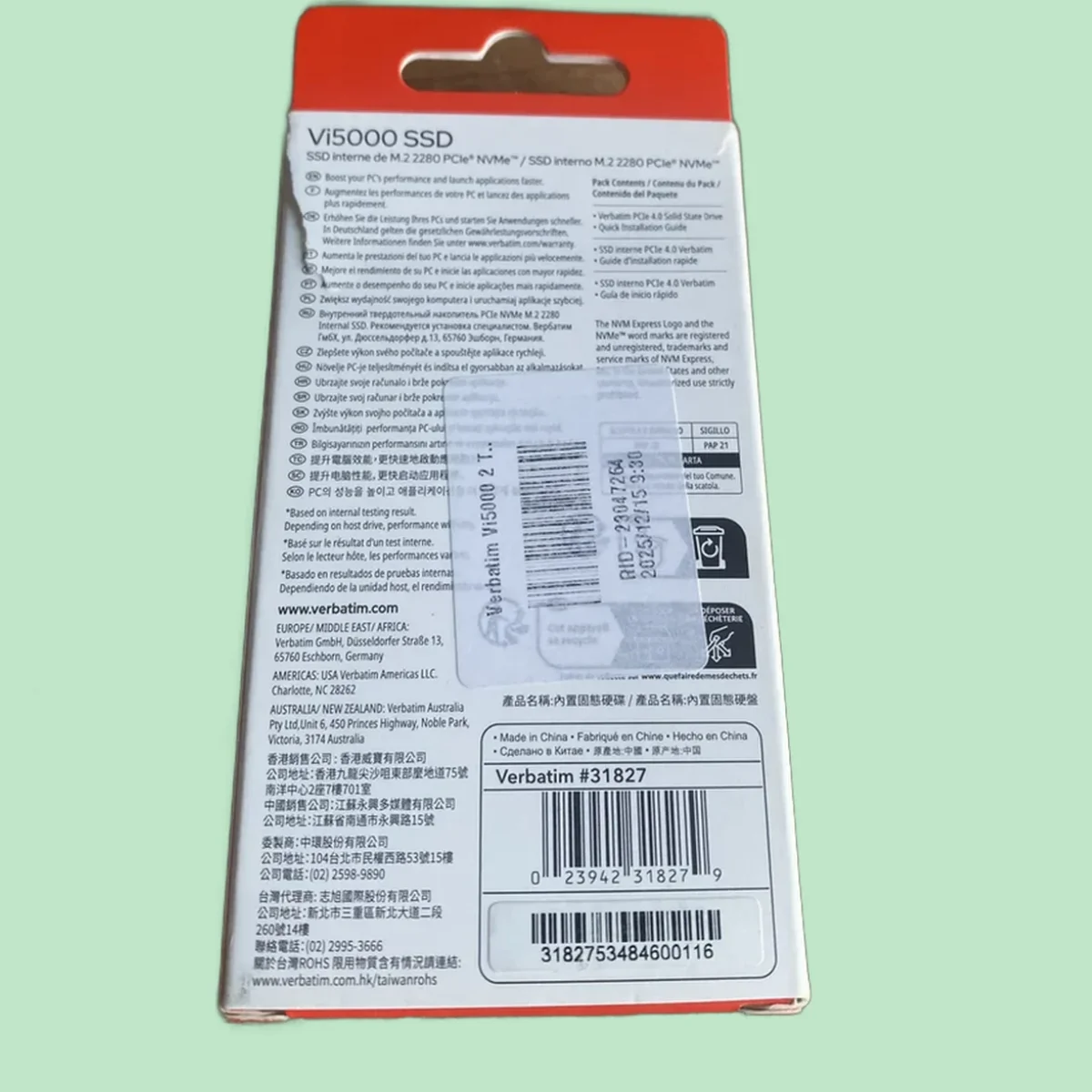
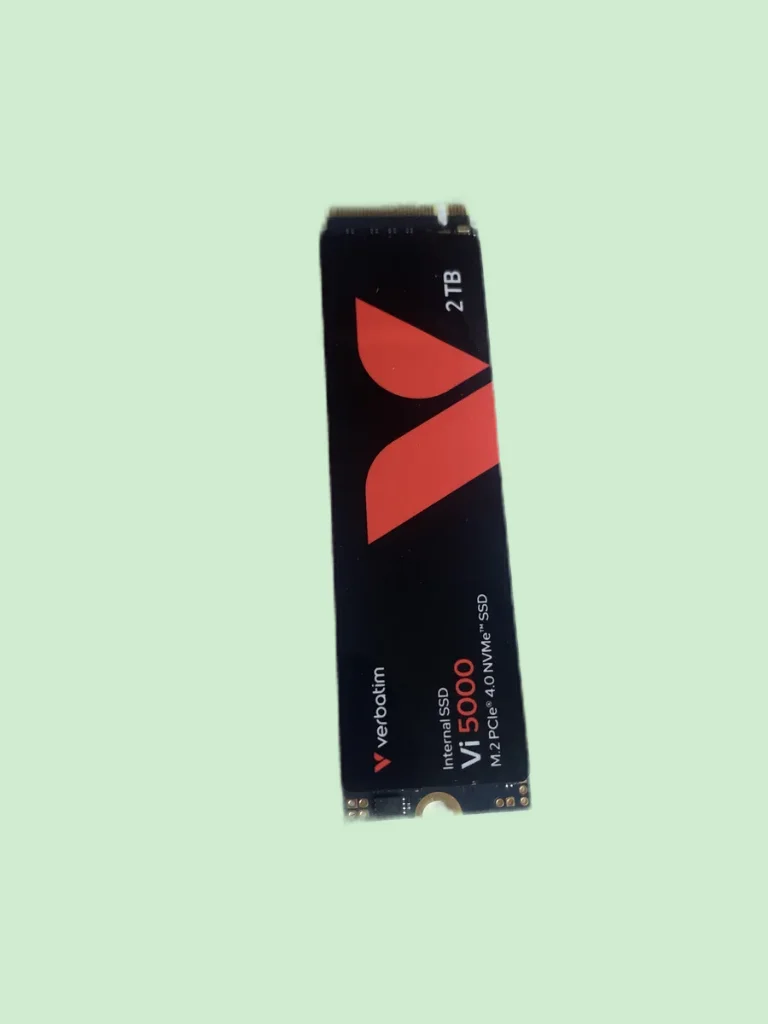
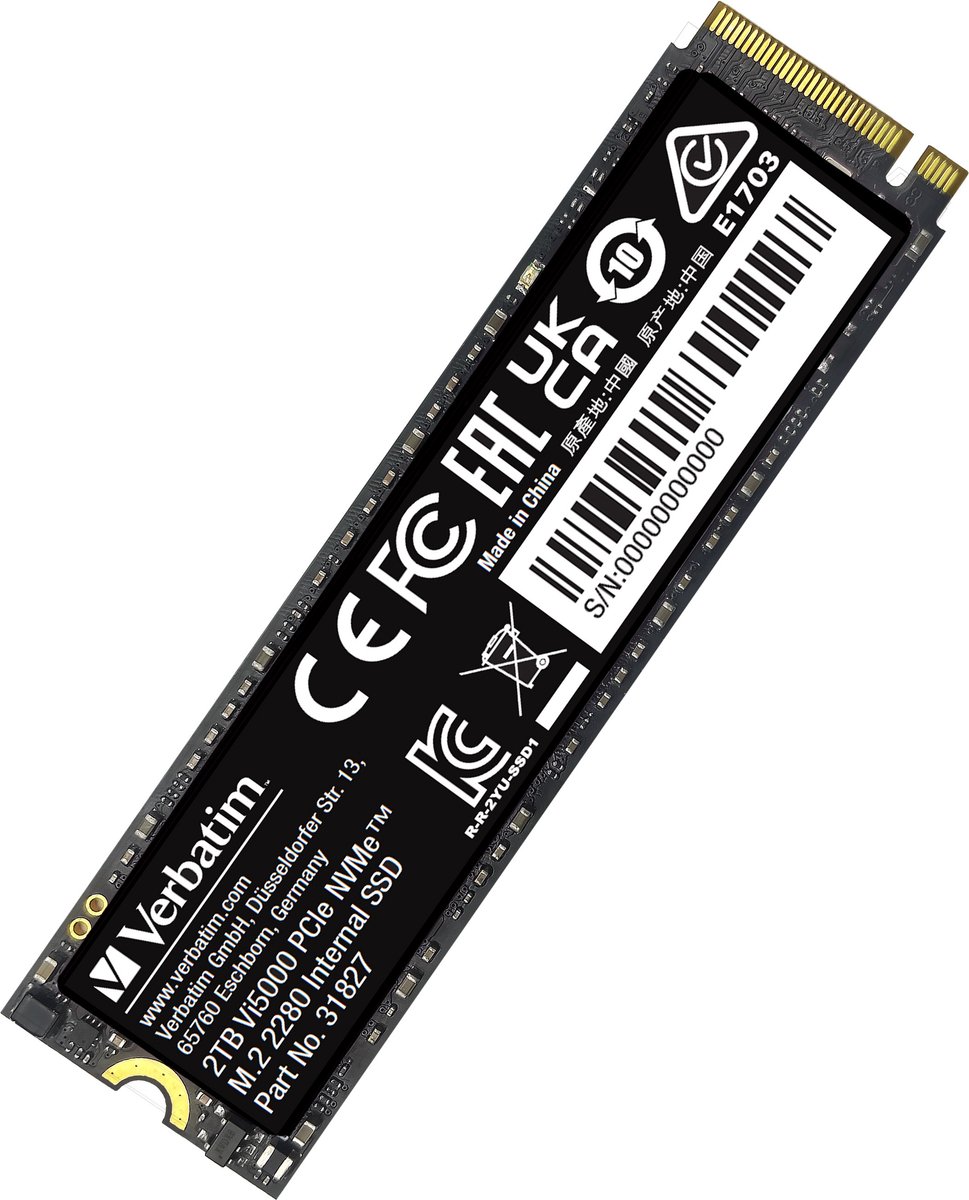
Verbatim still carries the memory of floppy disks, CDs and DVDs, but built that experience through to today's storage: SD cards, external drives and internal SSDs. An NVMe drive like the Vi5000 asks for more than a fast promise. Check the form factor, PCIe generation, capacity, cooling and whether your laptop or motherboard supports the right slot and protocol.
PCIe 4.0: check your slot before you buy
The Vi5000 is a fast drive that only reaches its speed in a PCIe 4.0-compatible M.2 slot; in an older PCIe 3.0 slot it works fine, but slower. That is not a fault but a specification — and an important reason to check the slot, protocol and conditions beforehand. So check your motherboard specifications before you order; we list the exact interface for every drive.
SMART data: what an SSD tells you about itself
An SSD keeps health statistics: percentage of remaining life, total terabytes written, temperature history where available, and the error log. To really remove old data you need a Secure Erase or Sanitize function; an ordinary format is not enough. Whatever we could read from a drive, we state in the condition report.
Why NVMe drives come back
The heatsink surprise, often: the drive with a cooling fin turned out not to fit under the graphics card, or a buyer wanted to use the drive in a PlayStation 5, which requires a heatsink. Or simply: the wrong capacity ordered in a promotion. How much a drive has been used differs from one unit to another; SMART data give an indication of that.
NVMe in your PC or in your PlayStation
The Vi5000 is mainly suited to a PC with a compatible NVMe slot. In a PCIe 4.0 slot it can approach its stated performance; in a PCIe 3.0 slot the speed stays lower. For a PlayStation 5 it is not an obvious choice: Sony recommends a read speed of at least 5,500 MB/s and effective cooling, while Verbatim states up to 5,000 MB/s for the Vi5000. A heatsink alone does not change that speed difference.
Before installing in a console, always check Sony's current requirements and compare all the criteria, not just the form factor. After installing in a PC, you initialise and format the drive for your system. Our SMART reading describes the reported usage and error status; it does not predict how long a drive will last.
Fifty years of storage, now second-hand
With the health data an NVMe drive keeps itself, you buy second-hand storage on a better-founded basis. What we established, we simply pass on.
Questions
Frequently asked questions about Verbatim return products
Question not listed? Just ask us. Contact
Will this NVMe SSD fit my computer?
Two checks: do you have an M.2 slot, and does that slot support NVMe — some older slots only do SATA. The speed depends on the PCIe generation of your slot; a PCIe 4.0 drive also works in a 3.0 slot, but at 3.0 speed. Check your motherboard manual before you order.
How healthy is a second-hand SSD?
You can partly read the usage history from the SMART data: where available, we list the power-on hours, terabytes written and reported errors for each product.
Can I use an NVMe SSD in my PlayStation?
Yes, the PS5 has an expansion slot for M.2 NVMe SSDs, provided the model meets Sony's speed and size requirements — with a heatsink fitted. The exact specifications are listed with each drive; compare them with Sony's conditions before you buy. The Vi5000 does not reach Sony's recommended read speed.