
Buying returned · Security cameras
Returned Ring doorbell or camera: five checks before you buy
In short
A returned Ring doorbell or camera only works for you once the previous owner has removed it from their Ring app. After that, check how long Ring will keep updating the model, how it gets power, whether your chime will still work, and whether you need Ring Protect to store recordings.
Which one suits you?
You have no wiring at the door, or you want to keep hearing your existing chime.
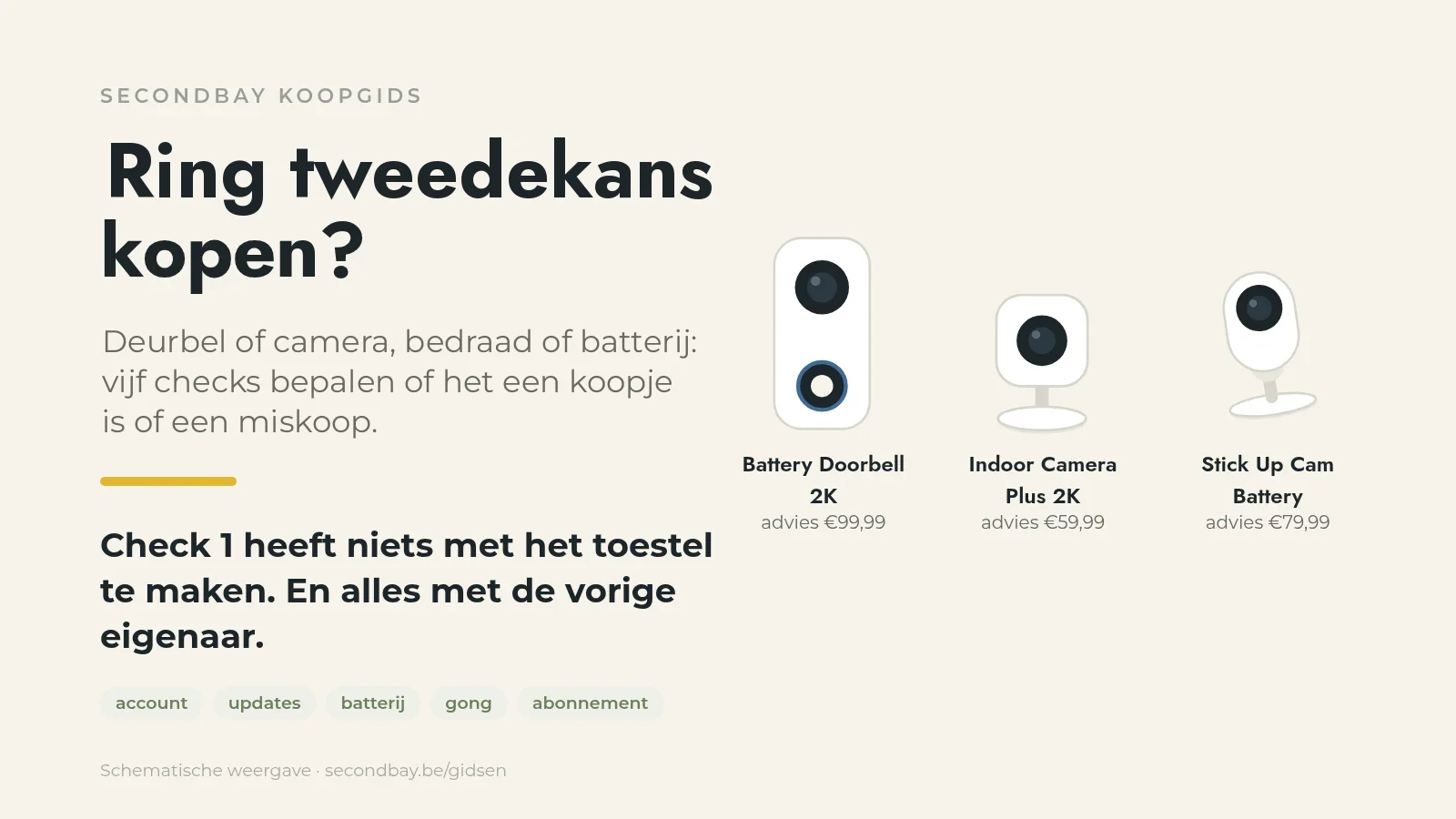
Battery Video Doorbell 2K
Doorbell · battery or wired 8 to 24 V
In stockLike new
View second-hand · €59.99You have doorbell wiring and never want to charge; indoors a Ring Chime or an Echo rings.
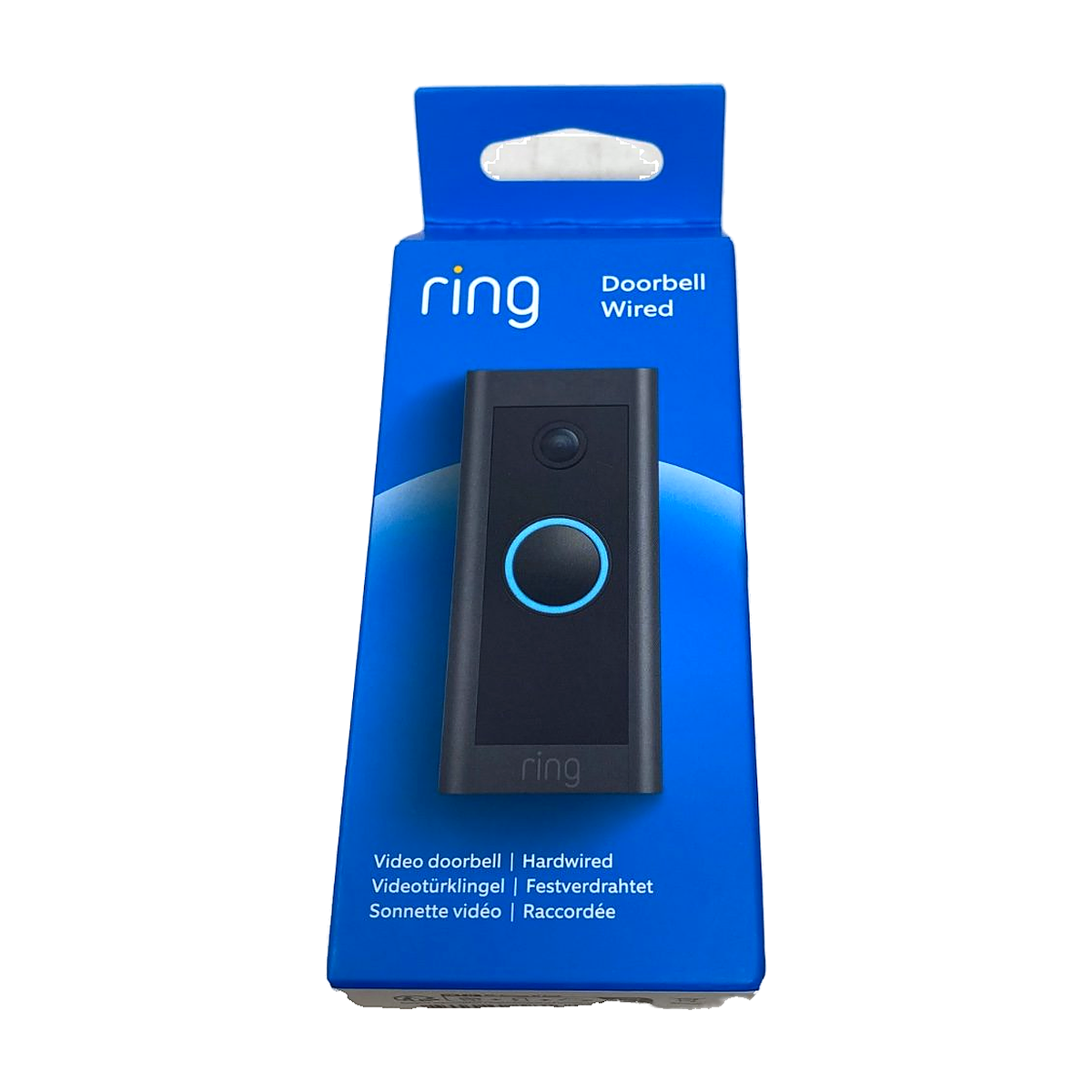
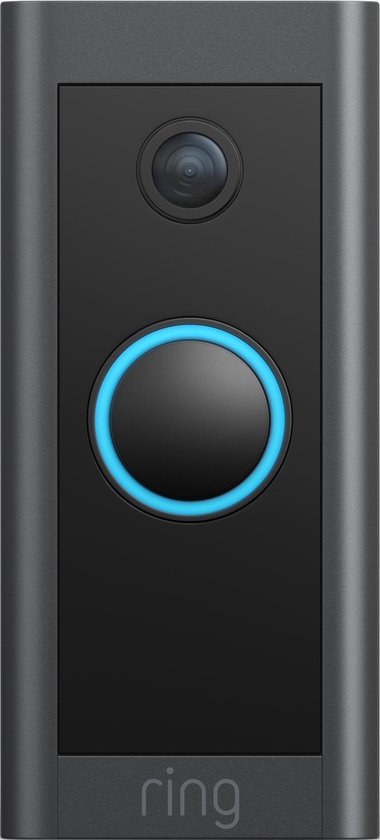
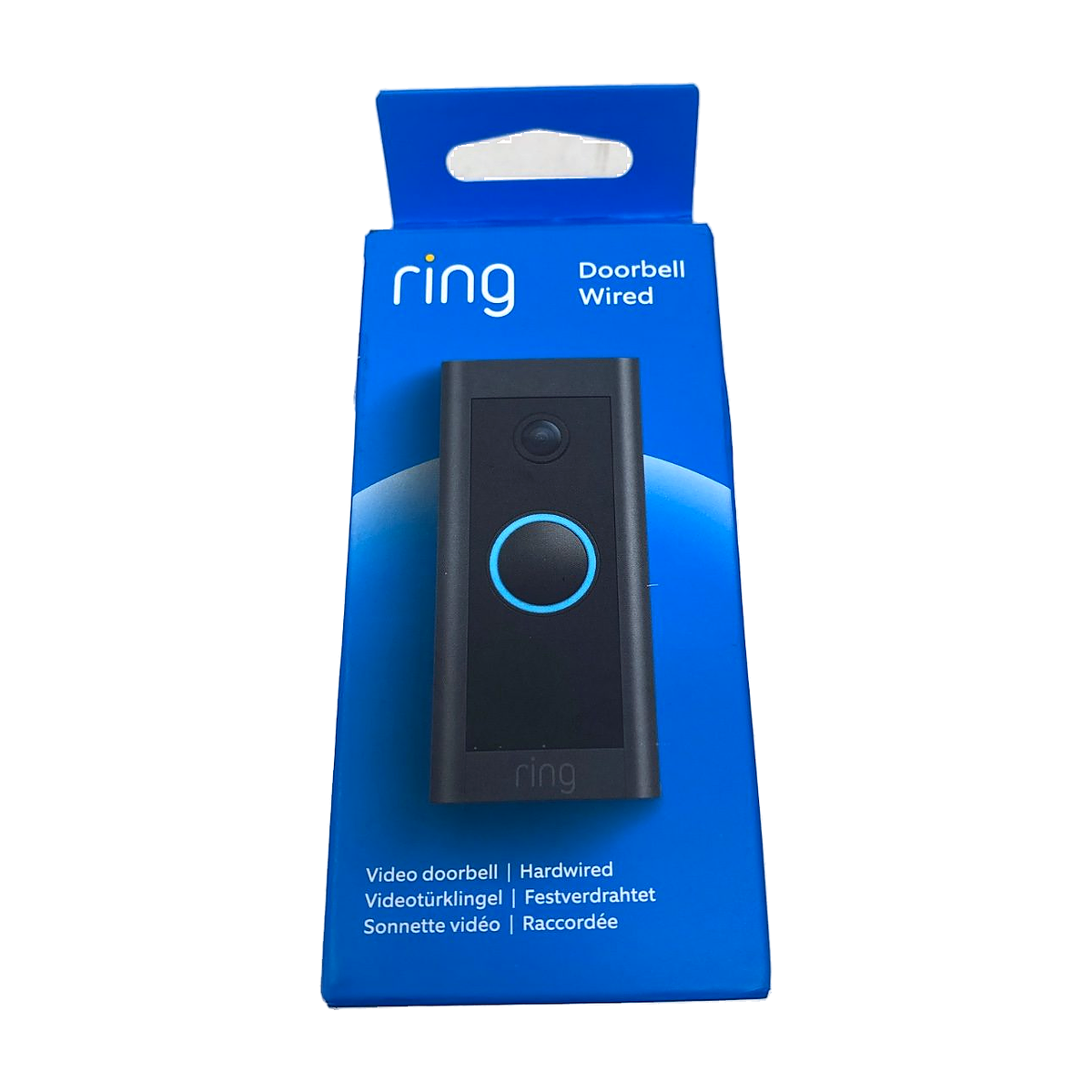
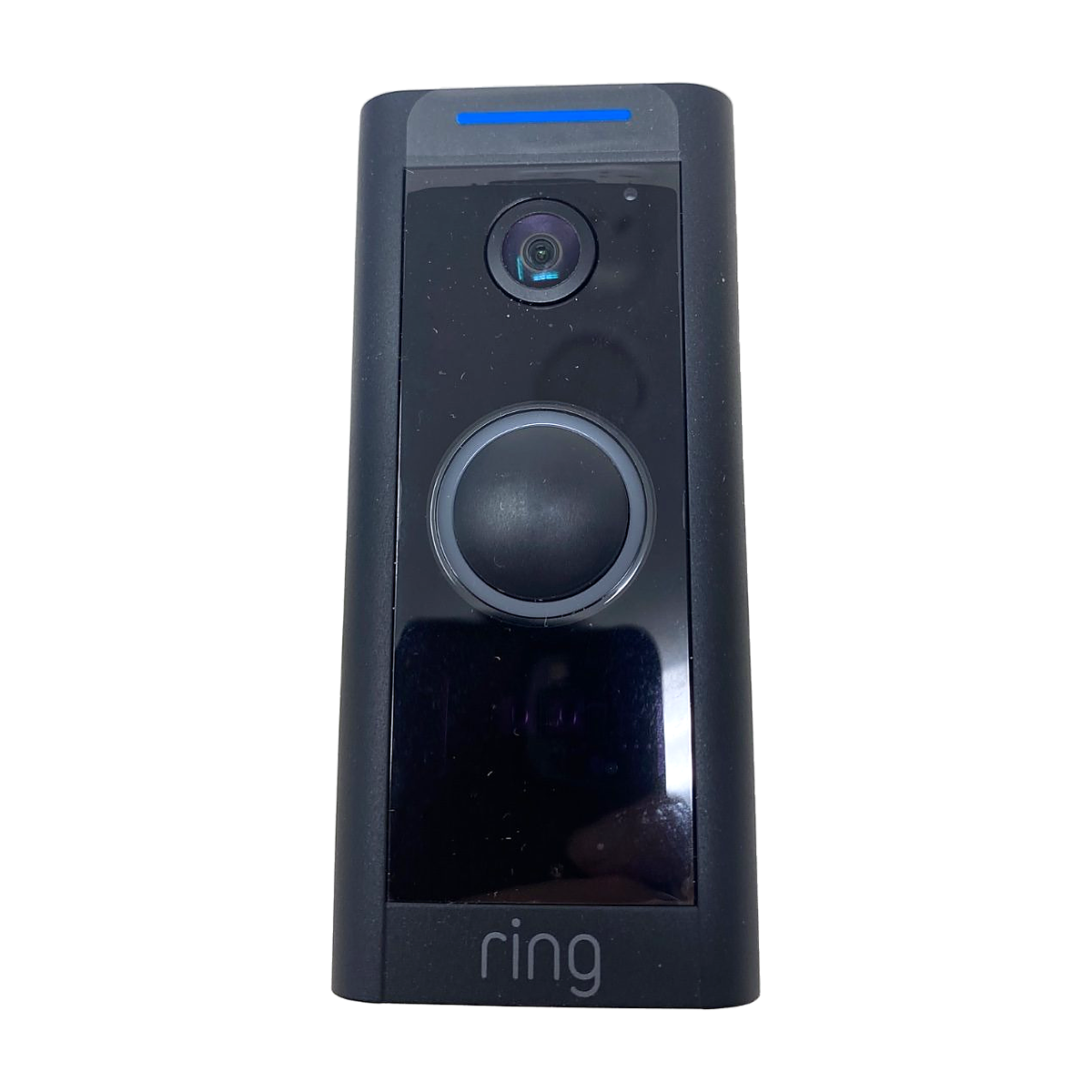
Video Doorbell Wired
Doorbell · wired only, 8 to 24 V
In stockVery good
View 2 units · from €24.99You want to keep an eye on things indoors, with no battery to charge.
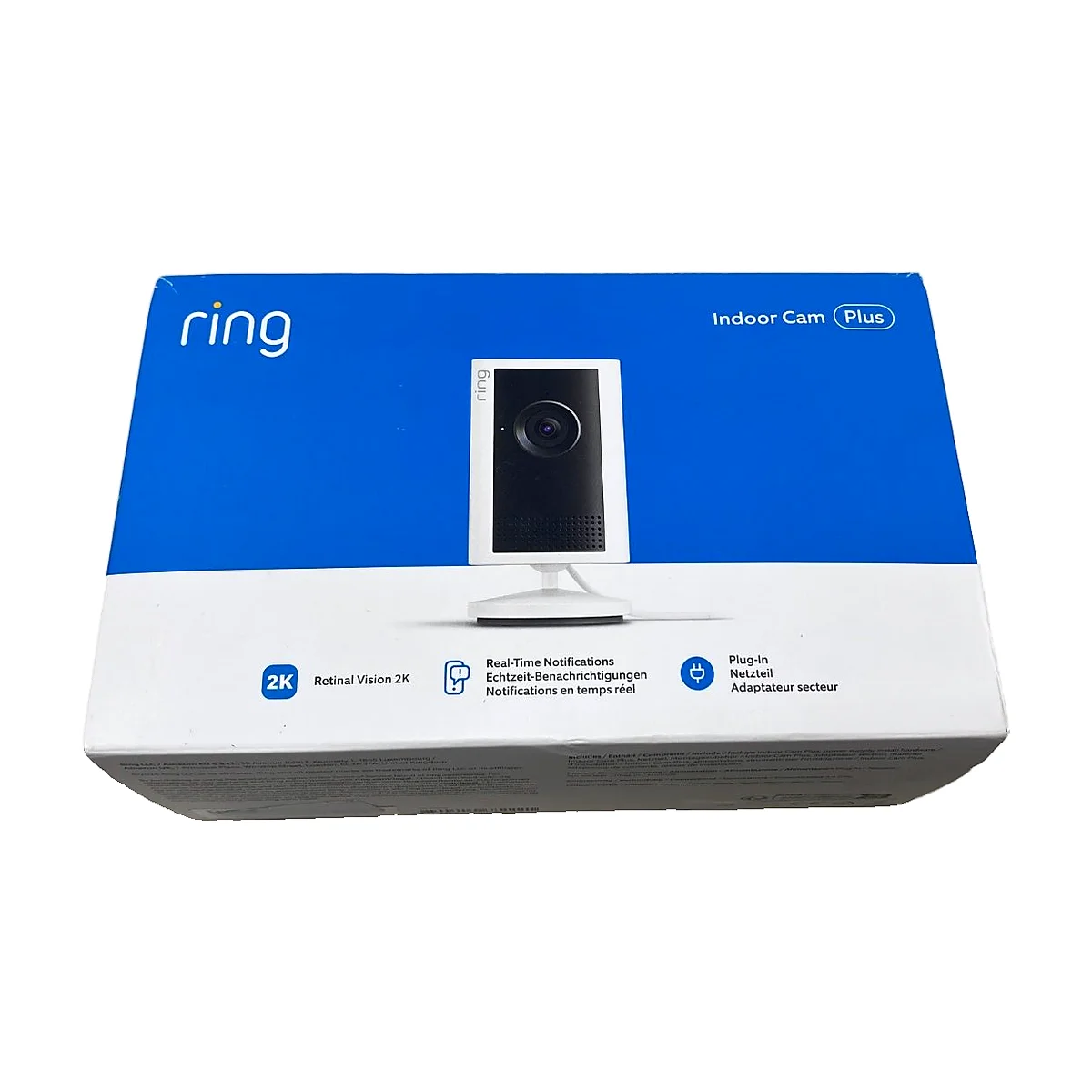
Indoor Camera Plus 2K
Indoor camera · plug
In stockLike new
View second-hand · €26.99You want to film outdoors where there is no socket.
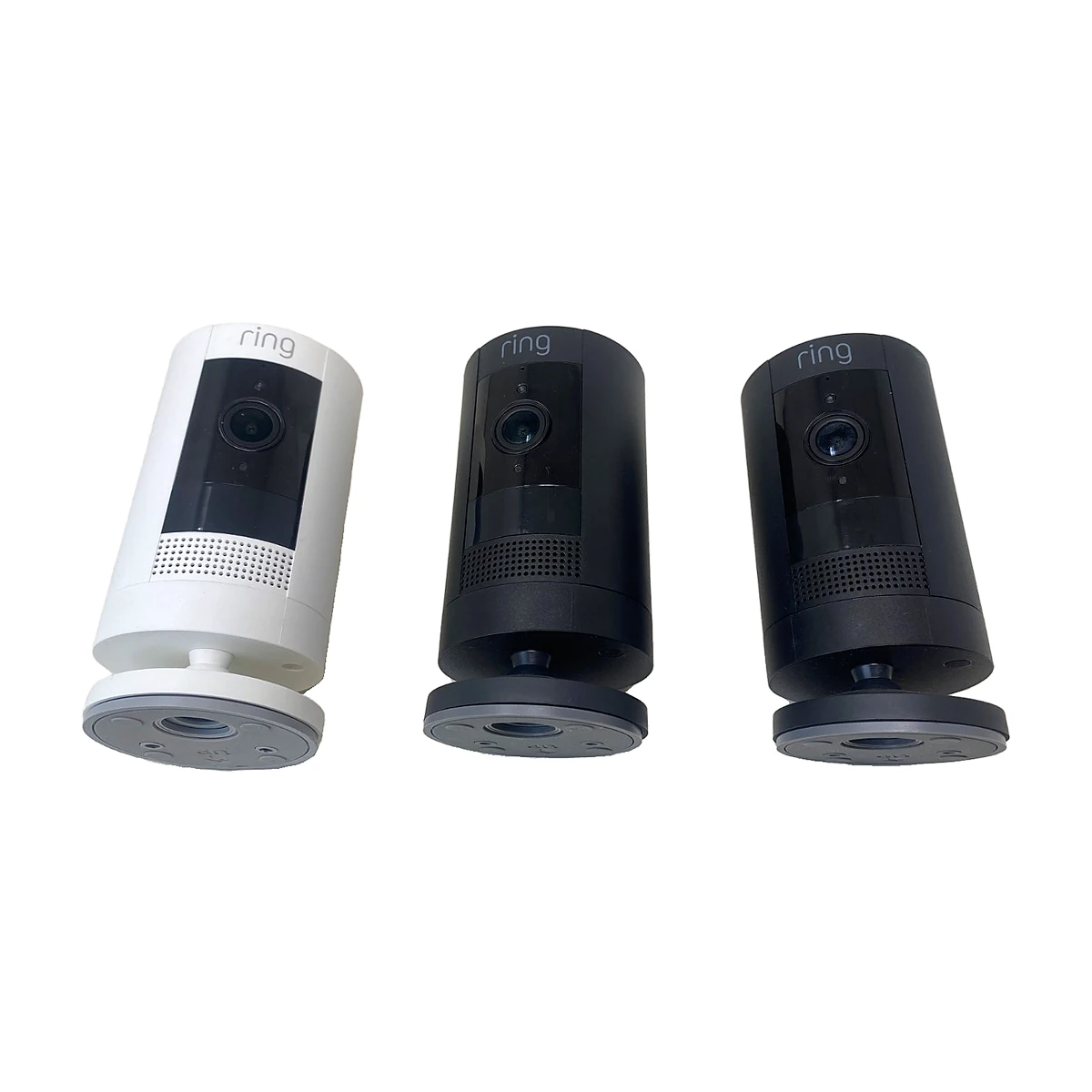
Stick Up Cam Battery (set of 3)
Indoor and outdoor · swappable battery
In stockGood
View second-hand · €129.99There is a socket nearby and you never want to charge.
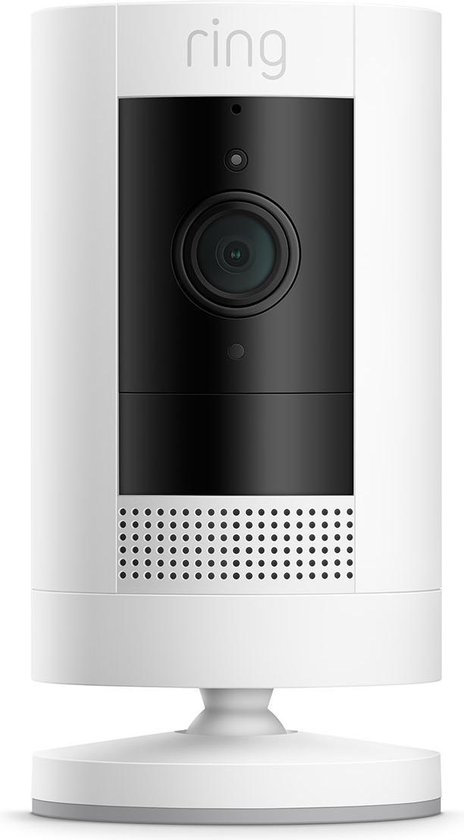
Stick Up Cam Plug-in
Indoor and outdoor · plug
In stockLike new
View second-hand · €54.99
 Enlarge
With a Ring video doorbell or camera, what you want to know in advance is rarely in the device itself, but in what belongs around it.
The account, the chime in the hallway, the battery and the subscription: get those four right and you have a Ring that does what you expect. This guide walks through them together with the updates in five checks, in the order in which they matter.
Returned or second-hand: what is the difference?
Both are cheaper than new, but they come from a different place. Returned means a device that came back to a shop: often sent back within the cooling-off period, sometimes never installed. Second-hand means a device that someone used and is reselling themselves.
| Returned | Second-hand | |
|---|---|---|
| Who sells it | A shop | Usually a private seller |
| Used? | Often briefly or not at all; the shop describes what it saw | Usually months or years on a wall |
| Previous owner's account | Often never installed; the condition report says what the shop saw | Linked, until the seller removes it |
| Cooling-off period | 14 days for online purchases | None, unless the seller promises otherwise |
| Warranty | The seller's legal warranty | No legal warranty from a private seller |
The five checks below apply to both. With a private sale you do them yourself before you pay; with a returned device you read in the condition report what the shop saw, and you still have the cooling-off period afterwards.
Which Ring doorbell or camera suits your home?
Ring makes video doorbells (who is at the door) and cameras (what happens in or around the house). They also differ in power: wired to your doorbell transformer or a socket, or battery-powered, which you charge now and then.
| Model | Type | Power | New from Ring |
|---|---|---|---|
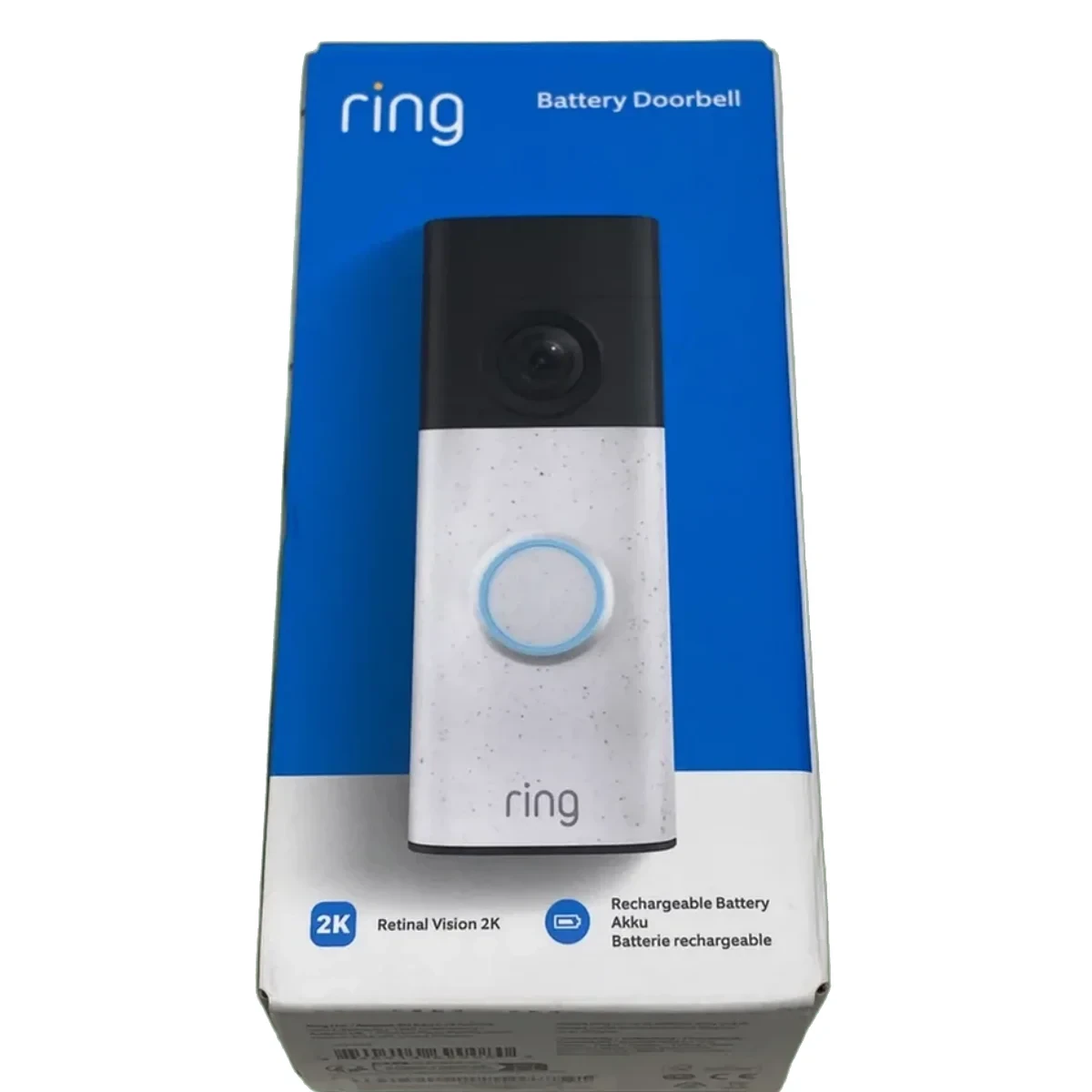
| Battery Video Doorbell 2K | Doorbell | Built-in battery, or wired at 8 to 24 V AC | €99.99 |
| Video Doorbell Wired | Doorbell | Wired only, 8 to 24 V AC | No longer available new; updates until 2030 |
| Wired Video Doorbell 2K (successor) | Doorbell | Wired only | €79.99 |
| Indoor Cam 2K (formerly Indoor Camera Plus) | Indoor camera | Plug | €59.99 |
| Stick Up Cam Battery (now Outdoor Cam Battery) | Camera indoors and outdoors | Removable battery | €79.99 |
| Stick Up Cam Plug-in | Camera indoors and outdoors | Plug | Not in the Dutch-language store |
Standard prices on ring.com (Dutch-language shop), checked on 27 November 2026, excluding temporary promotions.
Ring regularly gives its devices a new name. In August 2026 the Battery Video Doorbell (2nd generation) became the Battery Video Doorbell 2K, the Indoor Cam Plus became the Indoor Cam 2K and the Outdoor Cam (2nd generation) became the Outdoor Cam 2K. The Stick Up Cam has long been called the Outdoor Cam. A box of a returned device therefore often shows an older name. That is no problem, as long as you know which model it is (see check 2).
Wired or battery? Wired means never charging, but you need a doorbell transformer of 8 to 24 volts AC. It is usually in the meter cupboard or near the chime; the voltage is on the rating plate. Battery means you can hang the device anywhere, but you charge it every so often, more often in winter.
Check 1: is it still linked to the previous owner's account?
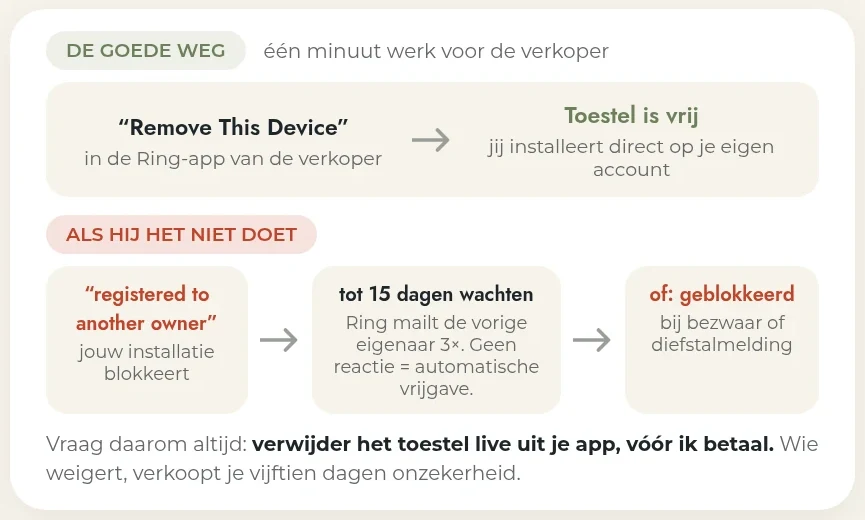
A Ring device is tied to the Ring account of whoever installed it. Taking it off the wall, wiping the app or cancelling the subscription does not release it. That only happens if the previous owner removes the device in their Ring app (Remove This Device).
If that has not been done, the app will tell you during setup that the device belongs to another owner. You can then request a transfer: choose Set Up a Device, scan the QR code if the app asks for it and tap Request Ownership. Ring emails the previous owner three times, spread over a maximum of 15 days. If they do not respond, Ring then releases a doorbell or camera. If the previous owner refuses, or the device has been reported stolen, it stays blocked.
You use the same request if the previous owner has died. In that case Ring also asks you to contact their customer service.
Buying from a private seller? Ask the seller to remove the device from their Ring app while you are there, before you pay. It takes a minute. Ask for the proof of purchase too.
Check 2: how long will it still get updates?
 Enlarge
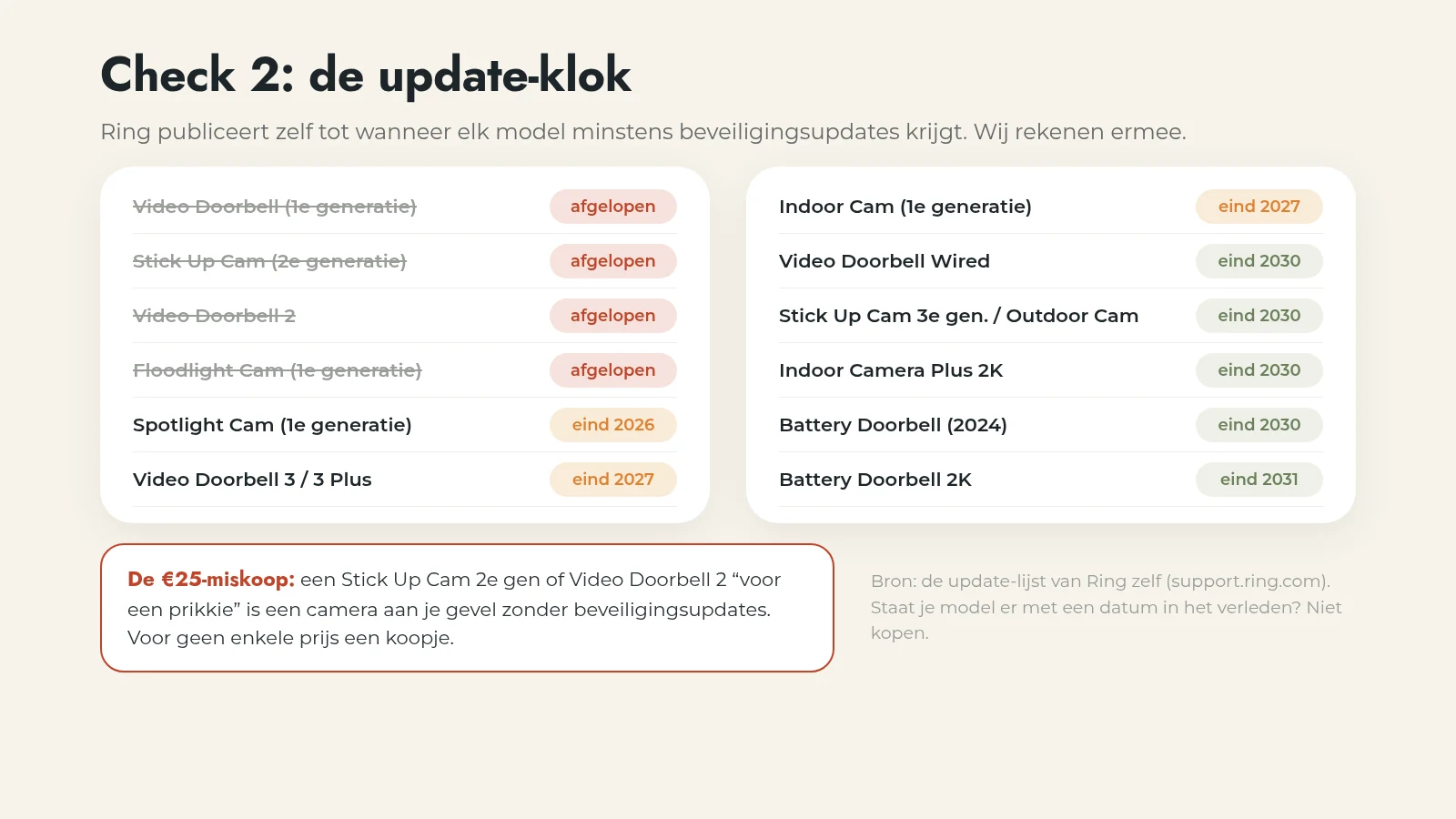
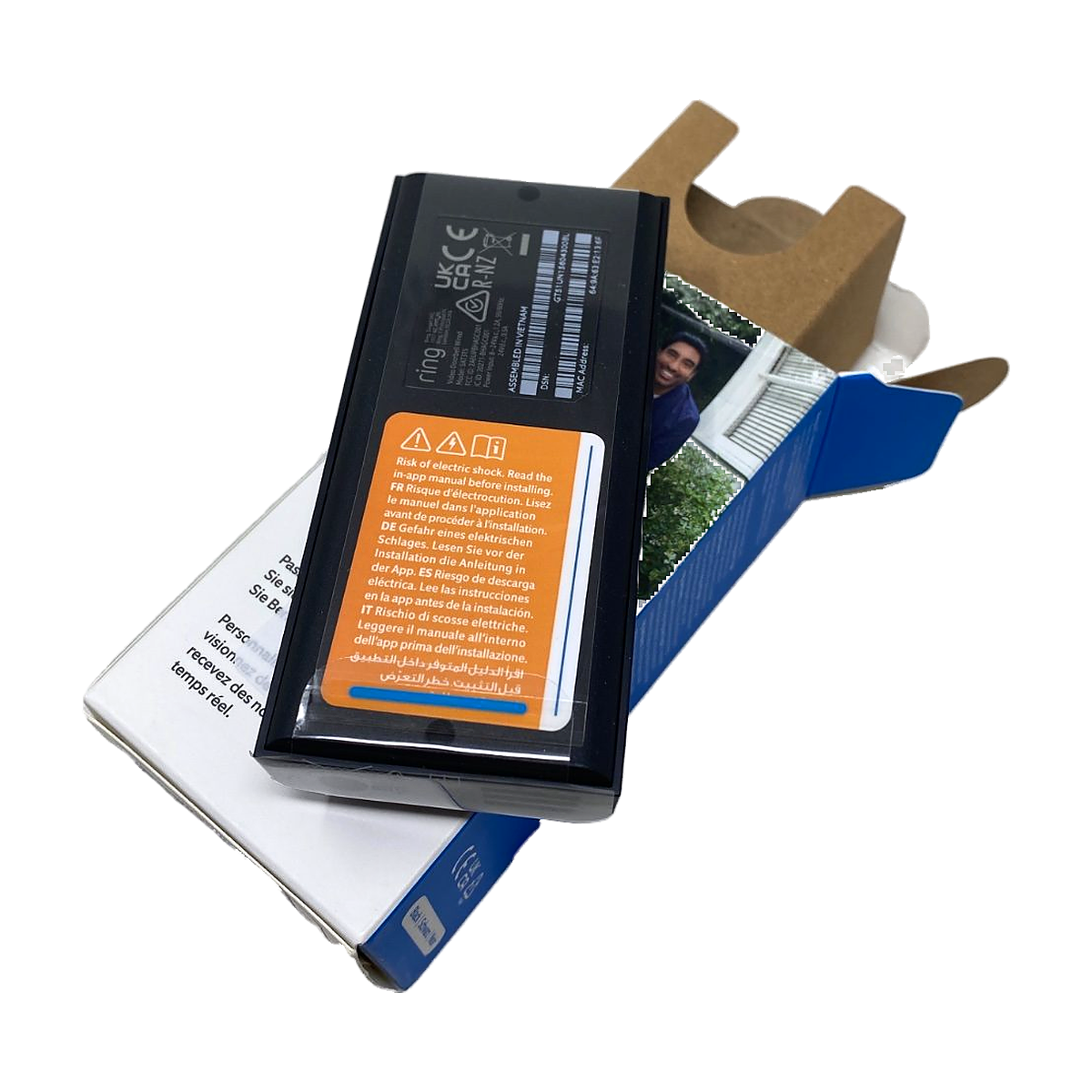
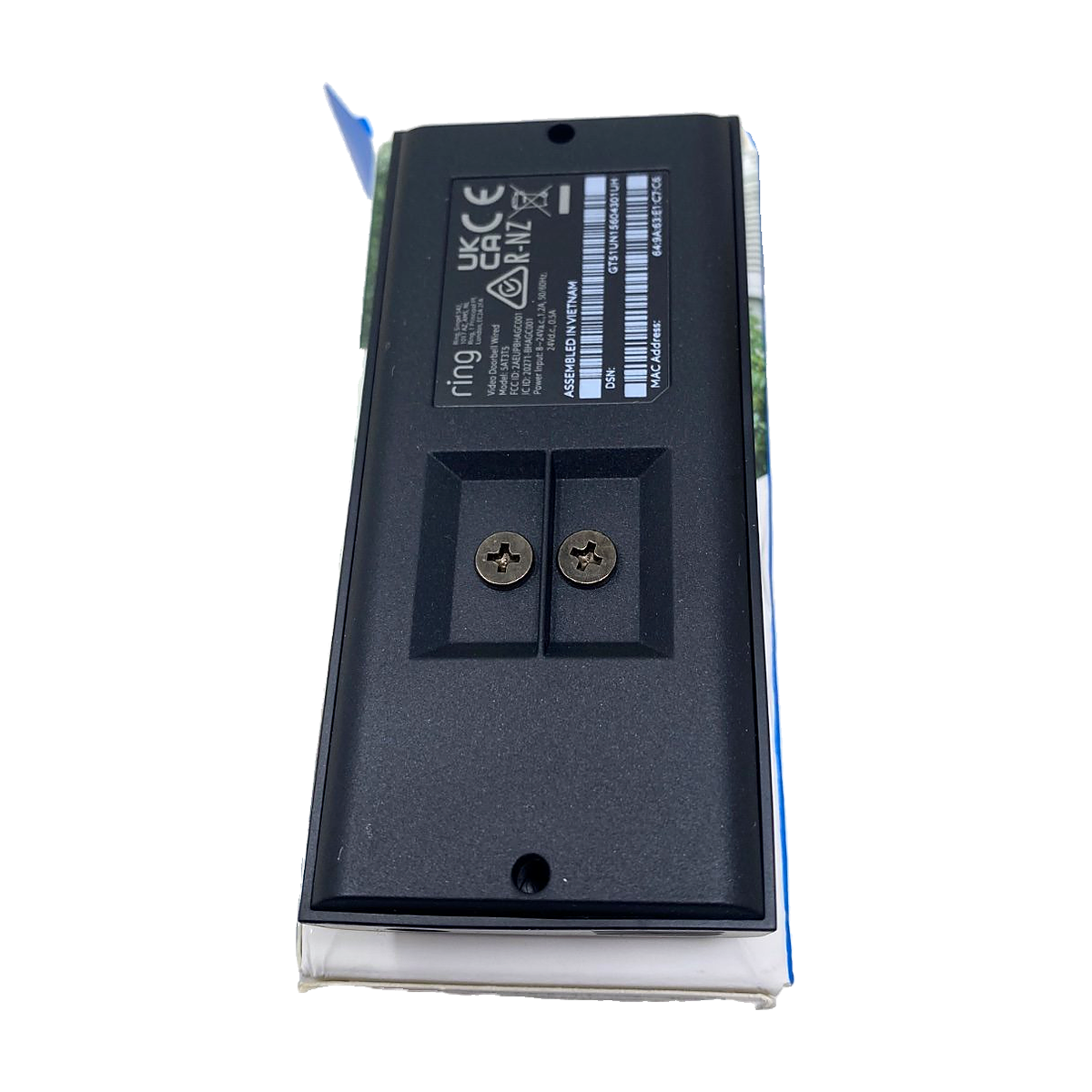
A camera at your front door knows your daily routine. You do not want to use a device like that without security updates. Ring publishes per model until when it will receive at least software and security updates (and at least four years after purchase as a new device). Always until 31 December of the year stated:
| Model | Updates until at least |
|---|---|
| Video Doorbell (1st generation) | 2024, passed |
| Video Doorbell 2 | 2025, passed |
| Floodlight Cam (1st generation) | 2025, passed |
| Stick Up Cam (2nd generation) | 2024, passed |
| Spotlight Cam (1st generation) | 2026 |
| Video Doorbell 3 / 3 Plus, Video Doorbell 4 | 2027 |
| Indoor Cam (1st generation) | 2027 |
| Video Doorbell (2nd generation) | 2028 |
| Video Doorbell Wired | 2030 |
| Battery Video Doorbell | 2030 |
| Outdoor Cam (formerly Stick Up Cam) | 2030 |
| Indoor Cam (2nd generation), Indoor Cam 2K | 2030 |
| Battery Video Doorbell 2K, Wired Video Doorbell 2K | 2031 |
Source: Ring's list of software and security updates, checked on 27 November 2026.
An old Video Doorbell 2 at a low price looks like a bargain, but Ring no longer promises security updates for it. If you are not sure of the model, ask for a photo of the label on the back or of the name in the Ring app (under Device Health).
Check 3: how long does the battery last?
With a battery model, the battery is the part that wears out. You cannot see that wear on the outside.
- Removable battery (Quick Release Battery Pack). Found in, among others, the Video Doorbell 2, 3, 3 Plus and 4, the Battery Video Doorbell Plus and the Stick Up Cam Battery. You click the pack out and charge it indoors while the device stays on the wall. A new pack costs €29.99 from Ring. With a second pack you swap over in a few seconds.
- Built-in battery. The Battery Video Doorbell and the Battery Video Doorbell 2K have a battery that cannot be removed. To charge it you take the whole doorbell off its mount with the release tool from the box. The Battery Video Doorbell 2K charges with a USB-C cable, which is not included. A full charge can take up to 10 hours, with a charger of at least 1 amp.
Cold. Ring says so itself: around freezing the battery holds its charge less well, and below freezing it may stop charging altogether, even if the doorbell is wired. So a battery model running flat faster in winter is normal. If a battery still will not charge in spring, or a pack no longer clicks into place, then something is wrong.
Buying from a private seller? With a removable battery, click the pack out and back in and look at the contact points. With a built-in battery, ask how long a full charge lasted.
Check 4: does your existing chime still work?
“The doorbell doesn't work” often means: the app sends notifications, but the hallway stays silent. Whether your existing chime keeps working depends on the model.
- Battery Video Doorbell 2K can be connected to your existing wiring of 8 to 24 V AC. It then recharges and your regular chime (mechanical or digital) keeps ringing along.
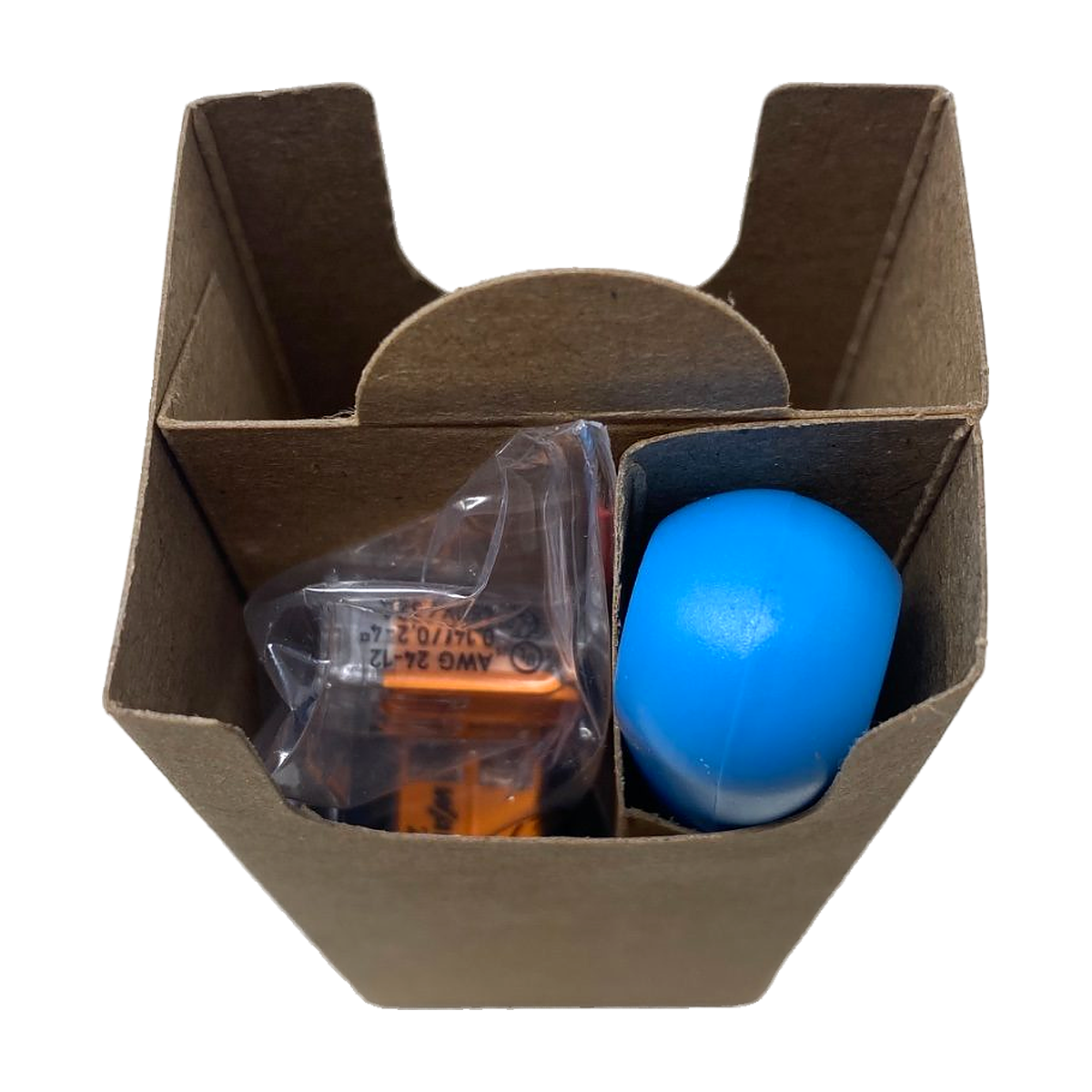
- Video Doorbell Wired always draws its power from your wiring, so it never needs charging. Inside, a Ring Chime or an Echo device with Alexa rings along; it does not use your old chime. The box includes a bypass cable that switches that old chime off. Your transformer must supply 8 to 24 V AC and 8 to 40 VA; without doorbell wiring you use Ring’s plug-in adapter (€25.99).
- Wired Video Doorbell 2K, its successor, also does not support a mechanical chime. That is why Ring also sells it with a Chime included.
A Ring Chime (3rd generation) plugs into a socket and costs €34.99 new from Ring. If you already have an Echo device at home, it simply rings along. If you live in an apartment or a house without doorbell wiring, a battery model with a Chime plugged into a socket is the simplest solution.
Check 5: does a Ring work without a subscription?
Does a Ring work without a subscription? Yes: you watch live (up to 10 minutes at a time), talk through the doorbell and get a notification when there is movement. But Ring records nothing: you cannot look back at who stood at the door. Notifications for people and parcels also require a subscription.
| Subscription | Price | What you get |
|---|---|---|
| None | €0 | Live viewing and motion notifications, no recordings |
| Ring Solo | €3.99 per month or €39.99 per year | One device, up to 180 days of video history |
| Ring Multi | €9.99 per month or €99.99 per year | All devices at one address, up to 180 days |
| Ring Pro | €19.99 per month or €199.99 per year | Multi plus smart features such as searching your videos |
Prices on ring.com (Dutch-language shop), checked on 27 November 2026.
Note with Ring Pro: according to Ring, the Familiar Faces feature is not available in Belgium. Ring gives 30 days of Ring Protect to try, from the first installation of a device (unless a subscription is already running at that address). If a returned device has never been installed, those 30 days are yours.
Ring Solo costs €39.99 per year, so €80 over two years. If you have a doorbell plus two cameras, you take Multi at €99.99 per year. Factor that in when you compare prices.
More than one device? Ring Solo covers one device. Ring Multi and Ring Pro cover every device you set up at the same address, including later ones. A subscription cannot be moved to another address.
Record day and night? That needs a subscription plus the 24/7 recording add-on (€3 per month per camera), on a device with a permanent power supply. Among the doorbells, only the Wired Doorbell 4K Elite and 4K Pro can do it; battery doorbells record on motion or when someone rings.
Wifi, and what you only notice at home
- 2.4 GHz. Most Ring devices work on 2.4 GHz wifi, including the Battery Video Doorbell 2K. If your modem broadcasts one combined network name, the device picks the 2.4 GHz band itself. What's more, 2.4 GHz passes through walls better than 5 GHz.
- Check the range before you drill. Use your phone at the spot where the doorbell will go to see whether you still have good wifi there. The Ring Chime Pro rings inside and also boosts the wifi, but it is no longer in Ring’s Dutch-language shop.
- No internet, no notifications. If your internet goes down, you get no notifications and no live picture. A Battery Video Doorbell 2K on your doorbell wiring will still let your regular chime ring.
- Alexa, not Google or Apple. Ring is owned by Amazon and works with Alexa. Ring does not officially support Google Home or Apple HomeKit.
Setting up your Ring doorbell or camera
You set up a returned device just like a new one. This is how it goes, according to Ring’s set-up guides:
- Charge it fully first. Ring advises fully charging a battery model before set-up. Once only the green light is on, the battery is full.
- Set it up in the Ring app. Choose Set Up a Device and scan the QR code when the app asks for it. The device briefly creates its own wifi network to finish the set-up, then downloads a software update. That can take a few minutes.
- Not working? Restart it first: unplug it or take out the removable battery, wait 10 seconds and put everything back. If that does not help, hold the setup button for 20 seconds and set the device up again in the app.
- Does the app show another owner? A reset will not help. Request the transfer as in check 1.
| Model | Setup button | In the box (new) | You need yourself |
|---|---|---|---|
| Battery Video Doorbell 2K | On the back | Mounting plate, screws, release tool | USB-C cable for charging, Phillips screwdriver |
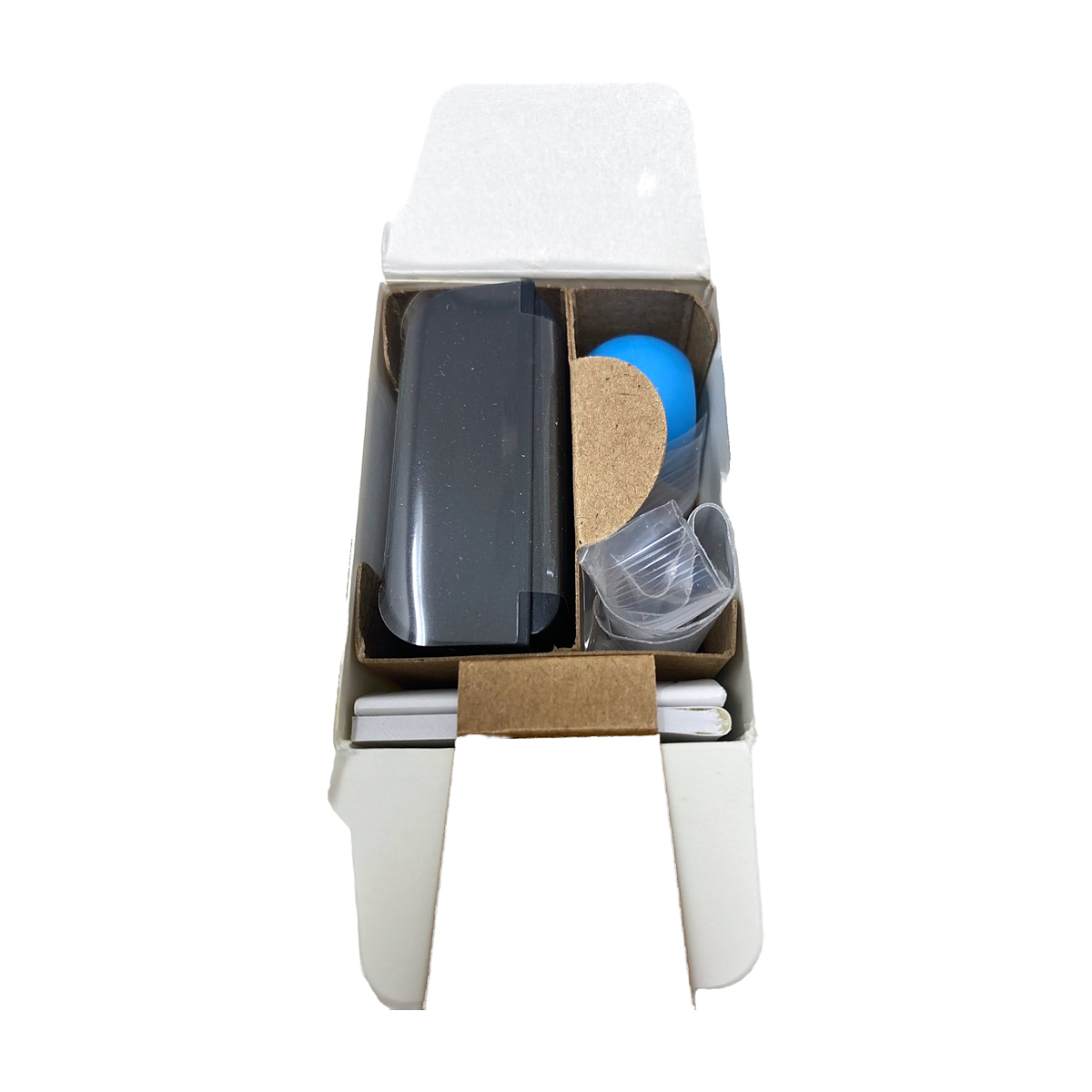
| Video Doorbell Wired | Under the faceplate, on the right | Screws and wall plugs, security screw, screwdriver, bypass cable | 6 mm masonry drill bit |
| Indoor Cam 2K | On top | Power adapter with 2-metre cable, privacy cover, screws | Nothing |
| Stick Up Cam Battery | No reset: take the battery out for 10 seconds | Removable battery, USB charging cable, screws and wall plugs | Nothing |
| Stick Up Cam Plug-in | No reset: unplug it for 10 seconds | Camera, power supply, screws | Nothing |
According to Ring’s set-up guides and product pages, checked on 28 November 2026. What is in the box of your returned unit is in its condition report.
Filming with a Ring in Belgium: what is allowed?
This is not legal advice, but how the government and the privacy authority explain it:
- Point it at your own property. Your front door, your driveway, your garden. In 2020 the Data Protection Authority imposed a €1,500 fine for a camera that filmed the public road. In November 2025 it ruled that a camera that still had part of the access path and the neighbours' front door in view had to fully mask those zones.
- Use privacy zones. In the Ring app you draw zones over the street or the neighbours that are then left out of the picture. Set them up during installation.
- Turn off audio recording. Recording other people's conversations without their consent is a criminal offence, and the privacy authority generally considers sound unnecessary on such a camera.
- A doorbell camera can fall under the camera law. According to the FPS Interior, a doorbell camera is not a surveillance camera if you only use it to see who is ringing. If it records images as evidence in case of burglary, or if you structurally film your façade, driveway or garden with it, the camera law applies. In that case you register at aangiftecamera.be, at the latest the day before you put it into use (and confirm it again every year), you put up a pictogram at the entrance and you keep images that prove nothing for one month at most.
- Inside your own home the camera law does not apply to a camera you use only for yourself and your family.
Checklist before you buy
- Account: the device has been removed from the previous owner's Ring app, preferably while you are there.
- Model: you know which model it is, and Ring promises further updates for it (check 2).
- Battery: with a removable battery, the pack clicks in firmly; with a built-in battery, you know how long a charge lasts.
- Power and chime: you know the voltage of your doorbell transformer (8 to 24 V) and whether you need a Chime.
- Extra costs: possibly a Chime or spare battery, and Ring Protect per year if you want to keep recordings.
Buying a Ring doorbell or camera at Secondbay
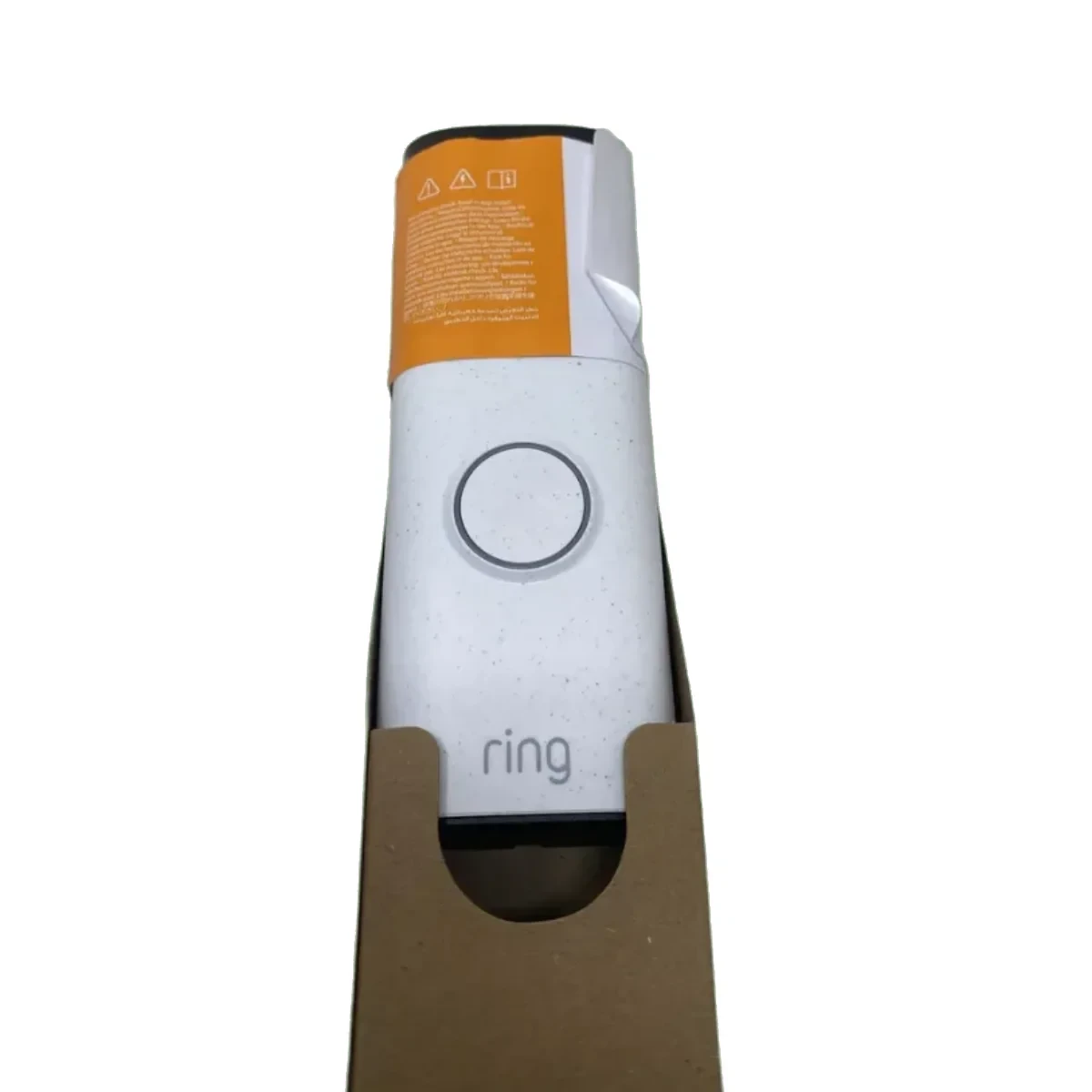
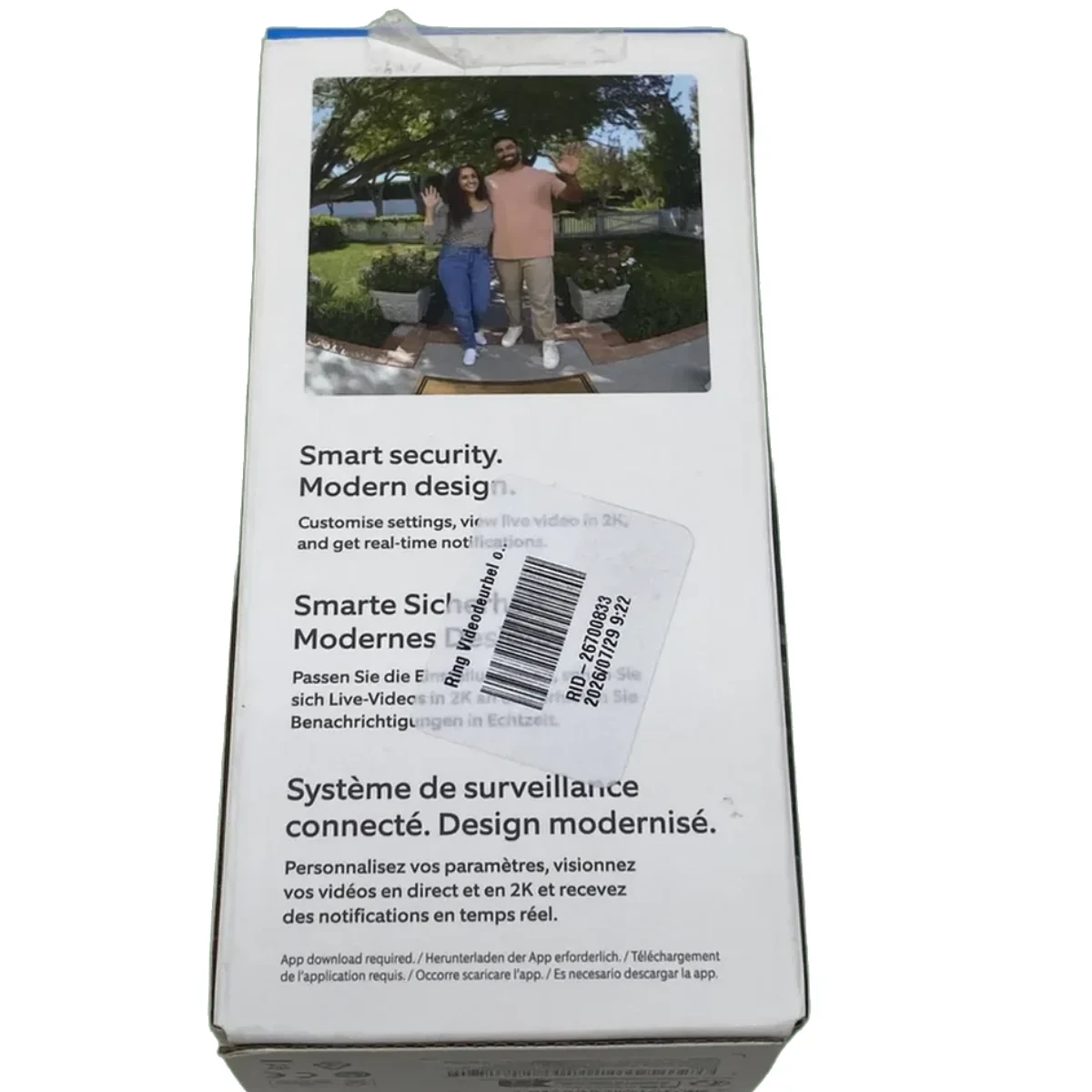
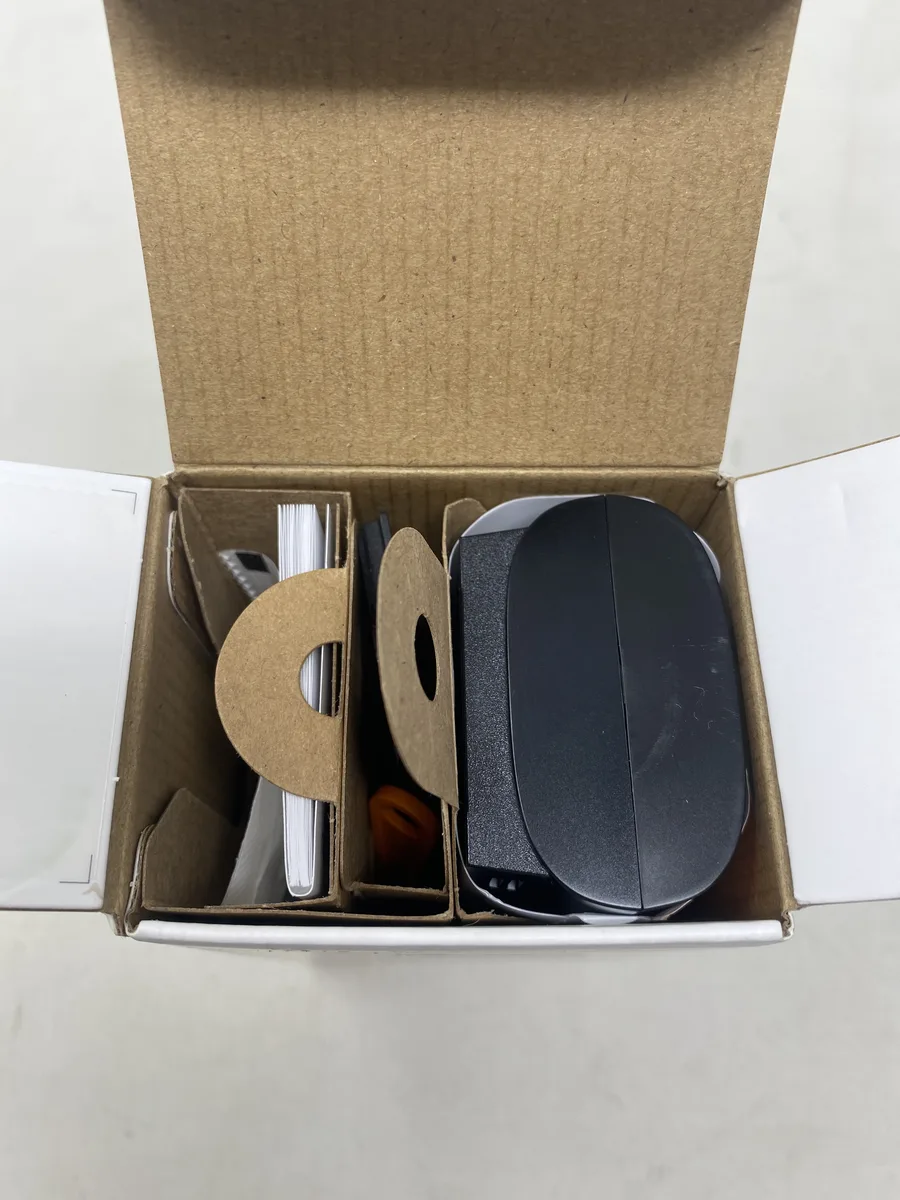
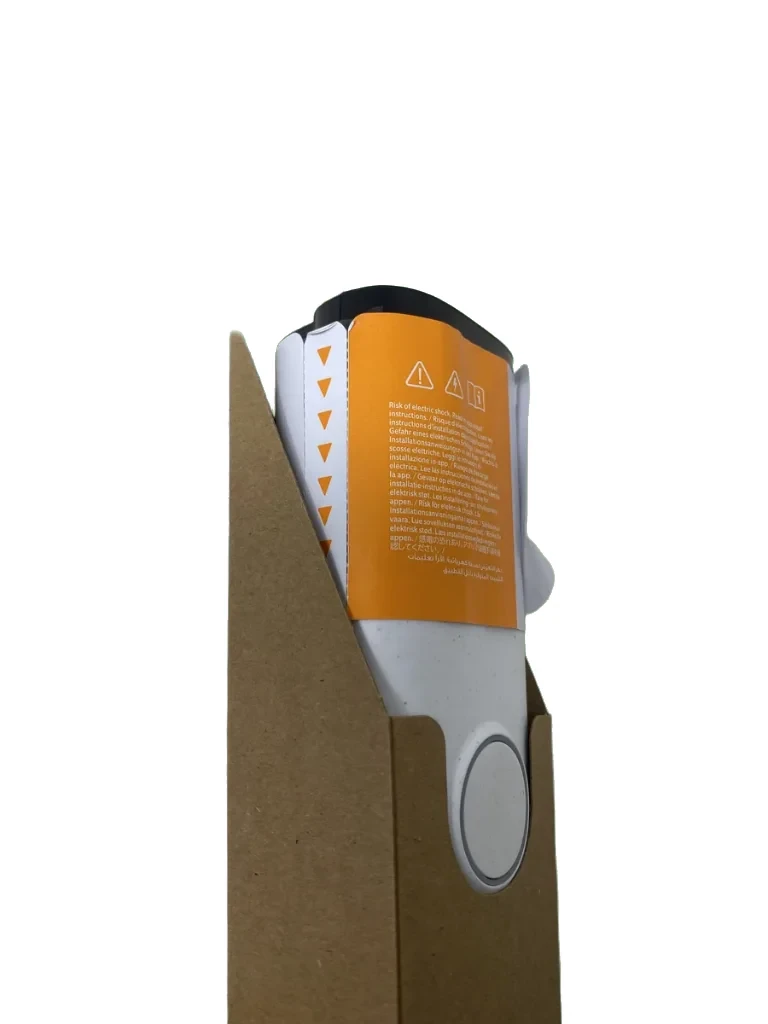
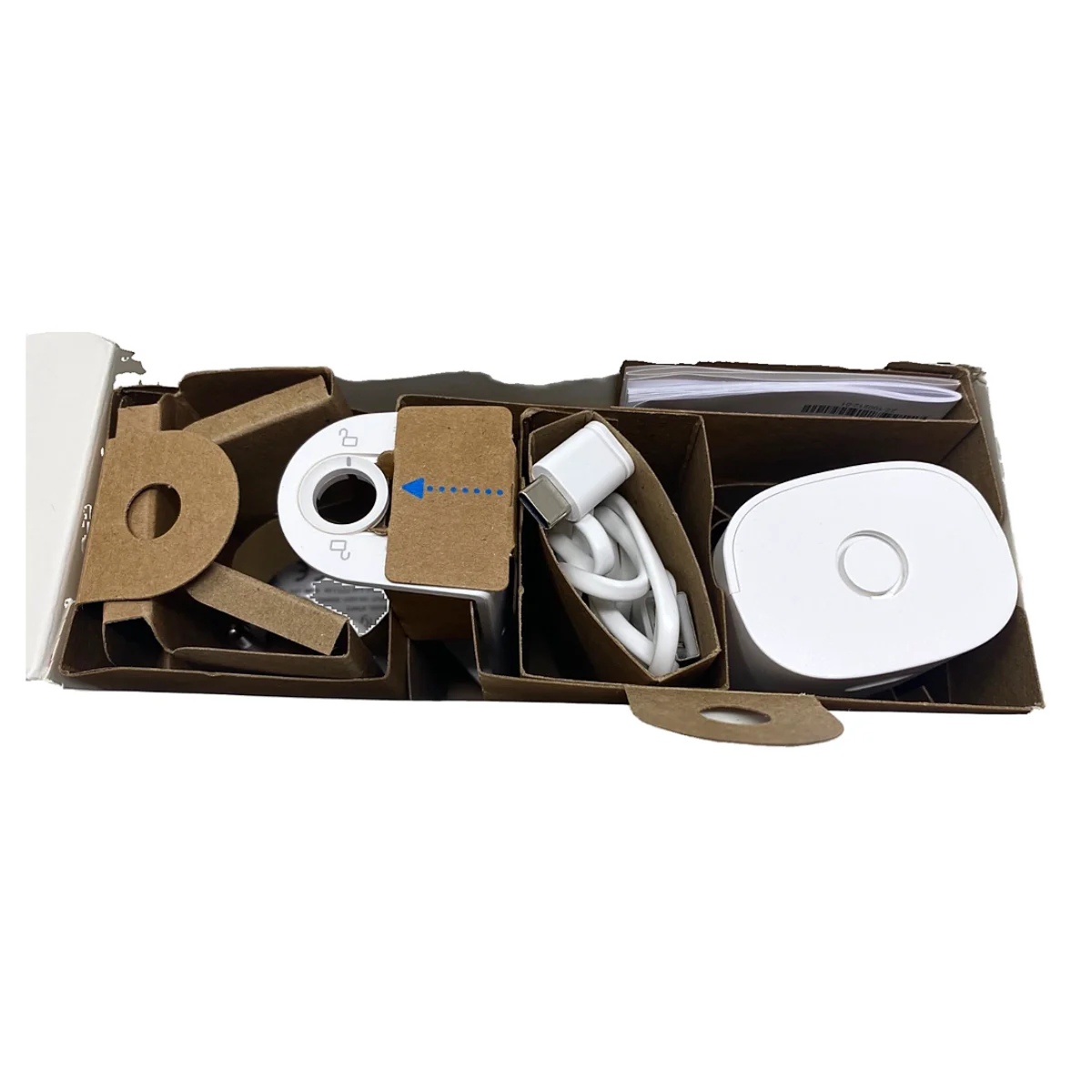
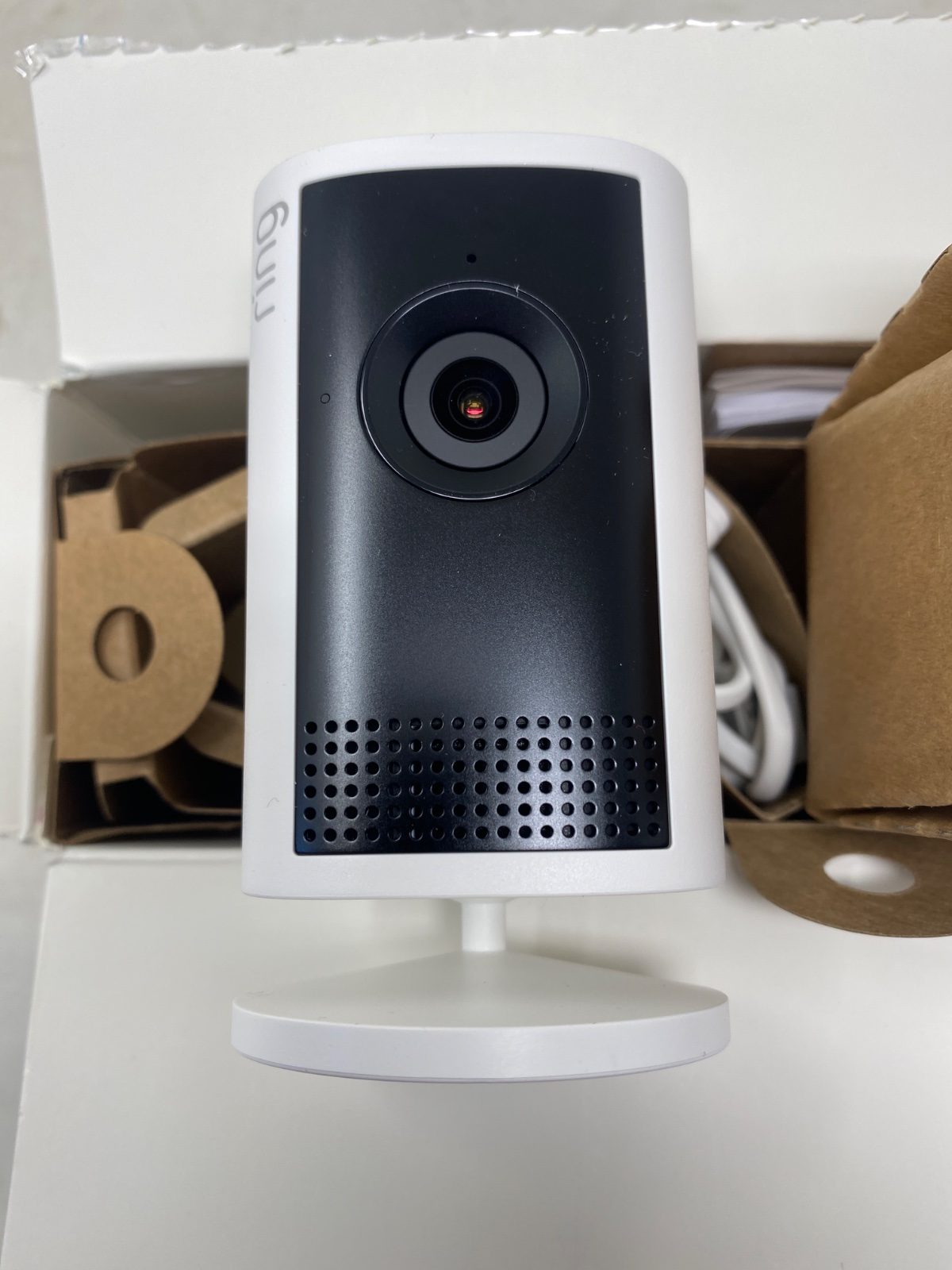
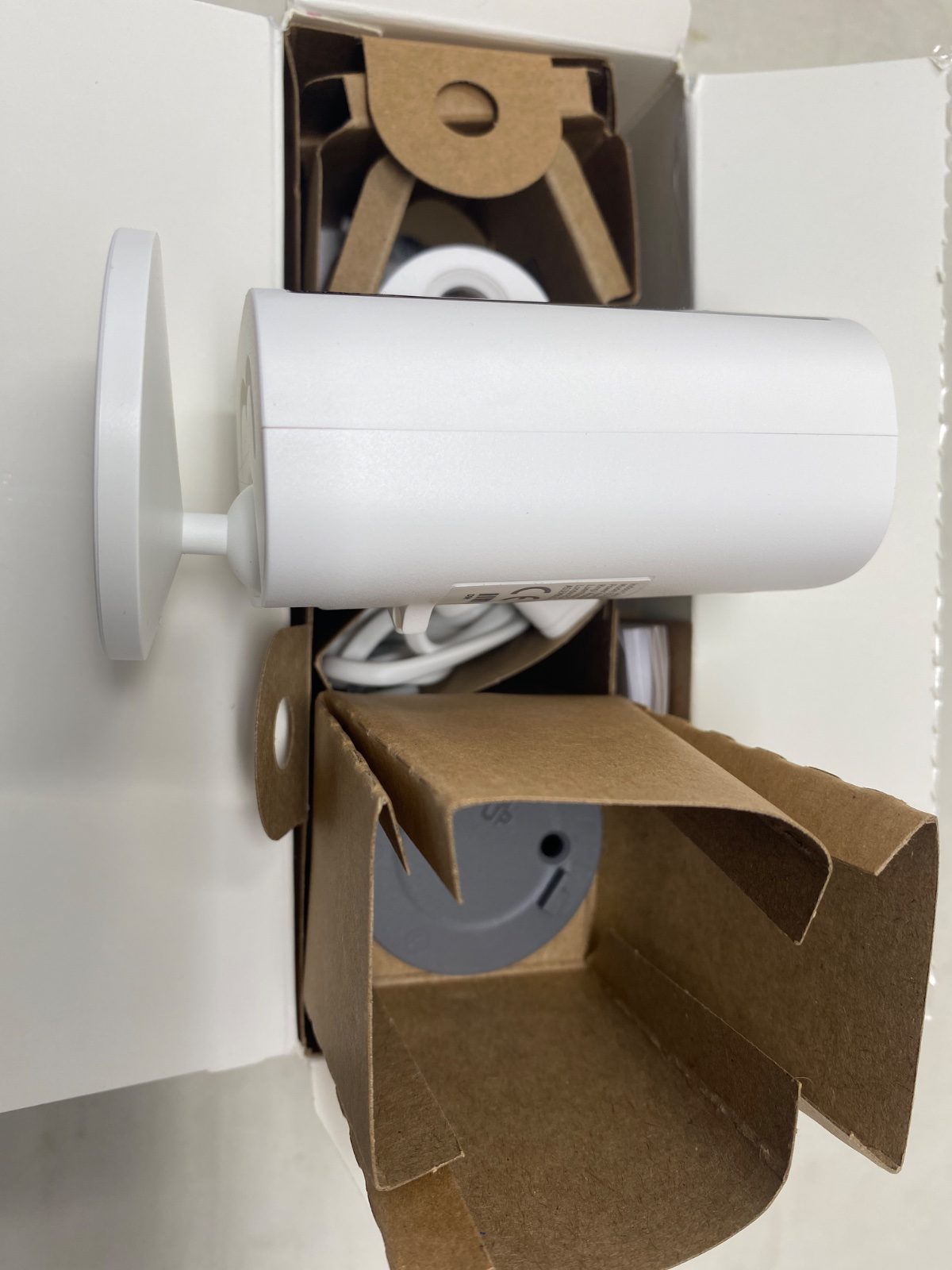
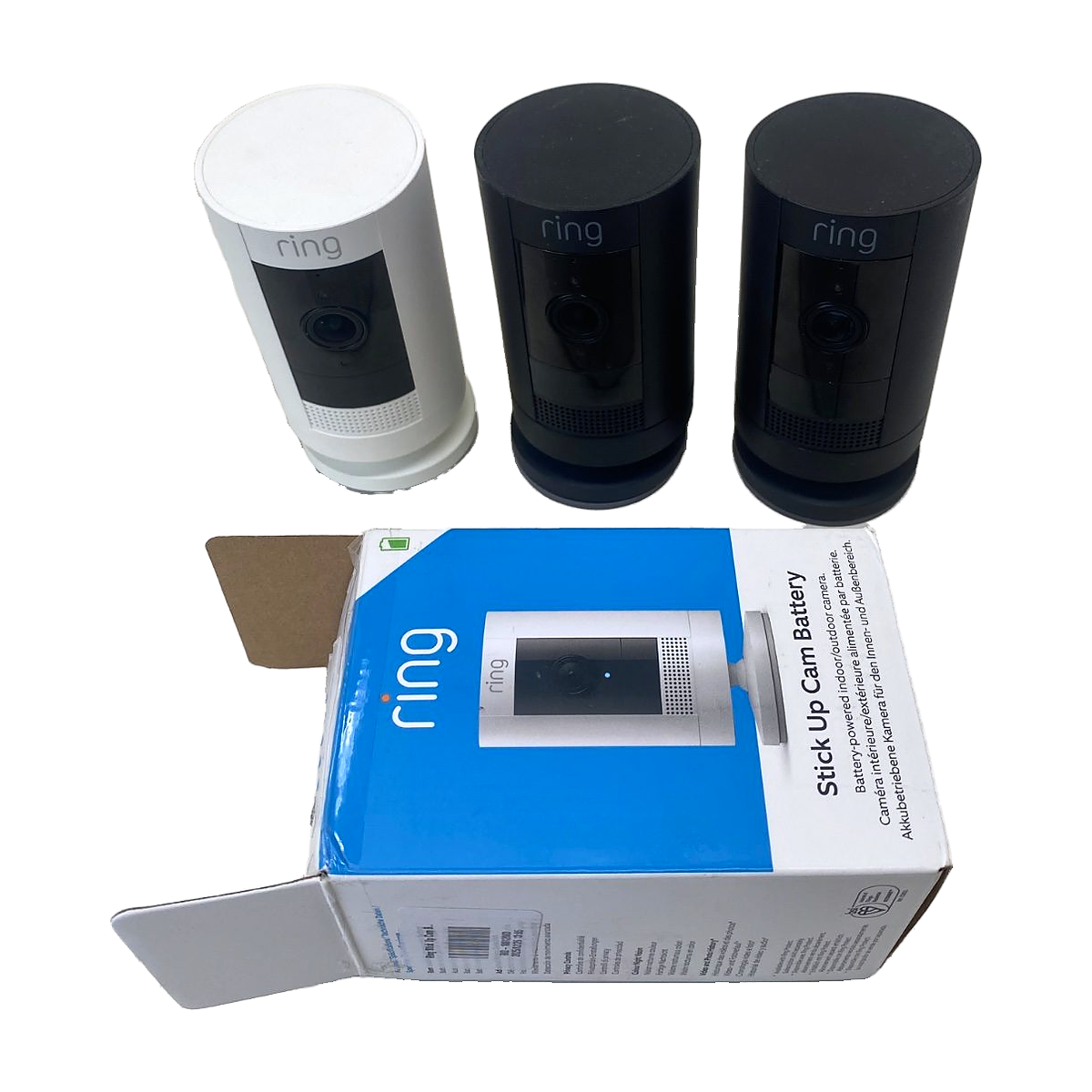
Our Ring devices are returned items. Every unit comes with a condition report describing what we saw, plus real photos of that device. Set up your Ring as soon as your parcel arrives. If the app says the device is still linked to another owner, send us a message. You have 14 days to return it free of charge.
In stock now
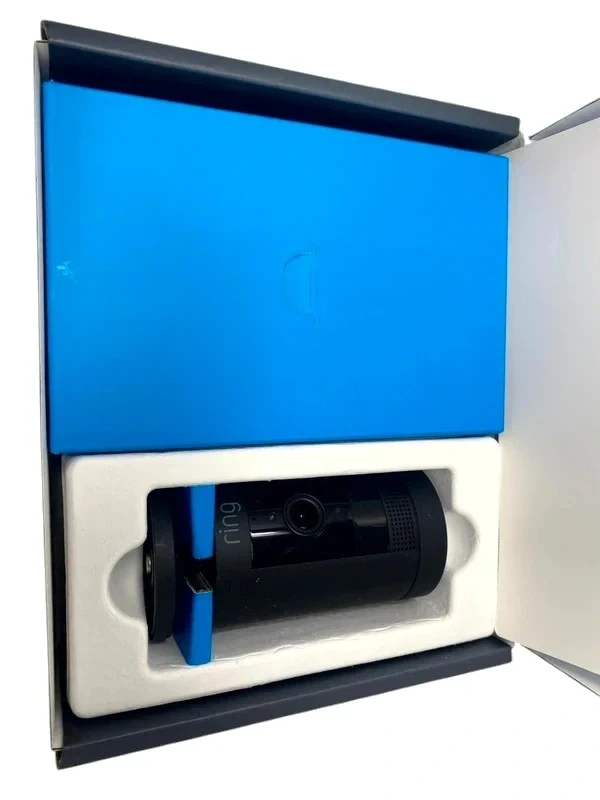
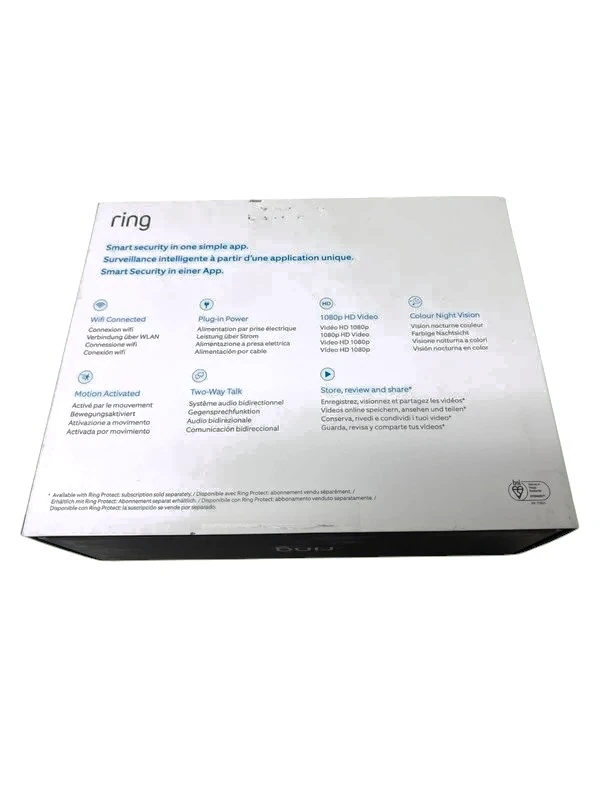
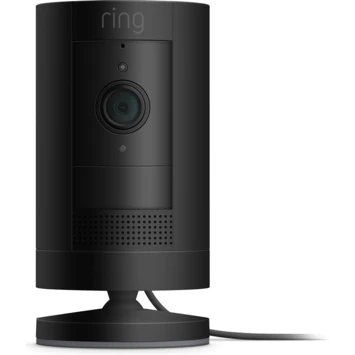
Frequently asked questions
What is the difference between a returned Ring and a second-hand Ring?
A returned Ring came back to a shop, often barely or not used, and you buy it with a cooling-off period and legal warranty. A second-hand Ring is usually bought from a private seller who used it, without a cooling-off period or legal warranty.
Does a Ring work without a subscription?
Yes, but with limits: you watch live, talk through the doorbell and get motion alerts. Recordings, playback and alerts for people and parcels require Ring Protect, from € 3,99 per month.
Can a returned Ring be added to my account?
Yes, if the previous owner removed the device from their Ring app. If they did not, you request a transfer in the app. Ring emails the previous owner and releases the device after at most 15 days if they do not respond.
How do I know which Ring I have?
Check the label on the back or the name in the Ring app. In August 2026 Ring renamed a number of devices, such as the Indoor Cam Plus to Indoor Cam 2K. An older name on the box is therefore no problem. If it is a Video Doorbell 2, it no longer receives security updates.
How do I hear the Video Doorbell Wired indoors?
With a Ring Chime plugged into a socket or an Echo device with Alexa; the Video Doorbell Wired does not use your existing chime. If you want to keep your existing chime, you connect a Battery Video Doorbell 2K to your wiring.
Do I have to register my doorbell camera?
Not if you only use it to see who is at the door. If it records images as evidence of a burglary, or you use it to monitor your façade, driveway or garden, the camera law applies: register at aangiftecamera.be, display a pictogram and keep images for no more than one month if they prove nothing.
May my doorbell camera film the street?
Point it at your own property and mask the street and neighbours with privacy zones in the Ring app. The privacy authority has already imposed a € 1.500 fine for a camera that filmed the public road. Also switch off audio recording.
Does Ring work with Google Home or Apple HomeKit?
Not officially. Ring is an Amazon brand and works with Alexa.
How long does the battery last?
That depends on how much motion the device detects. In the cold it lasts noticeably less long: around freezing it holds its charge less well and below freezing it may no longer recharge. A full charge can take up to 10 hours.
How do you charge the battery of the Ring Battery Video Doorbell 2K?
The battery is built in. Take the doorbell off its mount with the release tool from the box and charge it with a USB-C cable, which is not included. Connected to 8 to 24 V doorbell wiring, it charges by itself.
How do you reset a Ring doorbell or camera?
Restart it first: unplug it or take out the removable battery for 10 seconds. If that does not help, hold the setup button for 20 seconds and set the device up again in the Ring app. A Stick Up Cam cannot be reset, only briefly cut from power. If the device is still linked to another owner, a reset will not help: request a transfer instead.
Which transformer do I need for a Ring doorbell?
A doorbell transformer of 8 to 24 volts AC. For the Video Doorbell Wired, Ring asks for 8 to 40 VA. The voltage is on the transformer’s rating plate, usually in the fuse box or near the chime. Without doorbell wiring you use Ring’s plug-in adapter.
Why won’t my Ring battery charge?
In winter it is often the cold: according to Ring, below freezing the battery may not charge at all, even when the doorbell is wired. Charge it indoors with a charger of at least 1 amp. If it still won’t charge in spring, something is wrong with the battery.
How high should you mount a Ring doorbell?
Ring recommends 1.22 metres above the ground for the best motion detection. If your wiring sits higher, angle the doorbell with a wedge kit. According to Ring, an outdoor camera goes at 2.5 to 3 metres.
Can I install a Ring doorbell without drilling?
For several battery doorbells Ring sells an adhesive mount (€20.99), not meant for glass. Ring does not say whether it fits the Battery Video Doorbell 2K. The Video Doorbell Wired always needs a connection to your wiring.
Which Ring subscription do you need?
For one doorbell or camera, Ring Solo is enough (€3.99 per month). If you have several devices at the same address, Ring Multi (€9.99 per month) covers them all, including devices you add later. Ring Pro (€19.99 per month) adds smart features. A subscription applies to one address and cannot be moved to another address.
Can a Ring doorbell record continuously?
Only with a subscription plus the 24/7 recording add-on (€3 per month per camera), and only on a device with a permanent power supply. Among the doorbells, that works with the Wired Doorbell 4K Elite and 4K Pro; battery doorbells only record on motion or when someone rings. Ring keeps these continuous recordings for up to 14 days.
Can you use your Ring doorbell on several phones?
Yes. As the owner you can add as many shared users in the Ring app as you like. They can see live view even without a subscription; watching recordings back does need one. If you turn on end-to-end encryption, shared users no longer work.
Does a Ring work without wifi?
No. A Ring needs a home wifi network and does not work through a phone hotspot. If the internet goes down, you get no live view, no alerts and no recordings until the device is back online.
Why is your Ring doorbell offline?
Usually because of power or wifi. Ring advises checking the battery or power supply first, moving the router closer to the doorbell or connecting to a 2.4 GHz network, and unplugging the router and modem for 30 seconds. If that does not help, choose Change Network under Device Health in the app. A factory reset is the last step.
Can't find the QR code: how do you set up your Ring?
The QR code is on the back of the device or under the removable faceplate, and sometimes on the packaging or in the installation guide. If you can't find it, tap Help in the Ring app and choose your model. If the code won't scan, you choose the device manually.
What does a Ring Chime do, and do you need one?
A Ring Chime is a chime you plug into a socket: it lets you hear indoors that someone is ringing. You don't need one, because your phone gets the alert too. With the Video Doorbell Wired your existing chime does not work, so a Chime or an Echo speaker provides the sound indoors. The Chime (3rd generation) costs €34.99 on ring.com. The Chime Pro also boosts your wifi, but is no longer sold in Ring's Dutch-language shop.
Is a Ring secure?
Every Ring account requires two-step verification. You can also turn on end-to-end encryption, so that only you hold the key to your videos; this isn't possible on every model, including the Video Doorbell Wired, and it turns off shared users and some smart features. According to Ring, its staff cannot view your live video.
How this guide was written
This guide combines official information from Ring and the Belgian government with what we see on Ring devices that come back to us as returns. Prices, update dates and subscriptions were checked on ring.com on 27 November 2026; Ring adjusts them regularly. The section on filming is not legal advice. The images are schematic illustrations we made for this guide, not product photos.
Secondbay sells returned Ring devices. What we saw on a specific unit is set out in that unit's condition report.
Written on 27 November 2026 · Checked on 28 November 2026
Sources
- Ring: eigendom van een toestel overdragen
- Ring: software- en beveiligingsupdates per toestel
- Ring: nieuwe productnamen (augustus 2026)
- Ring: batterijen in koud weer
- Ring: compatibiliteit met een bestaande gong
- Ring: abonnementen (Nederlandstalige winkel)
- Ring: gestolen toestellen
- Gegevensbeschermingsautoriteit: beslissing ten gronde 74/2020
- Gegevensbeschermingsautoriteit: beslissing ten gronde 181/2025
- FOD Binnenlandse Zaken (BeSafe): veelgestelde vragen over camera’s
- Aangifte van bewakingscamera’s
- Ring: een toestel resetten of herstarten
- Ring: installatiegids voor deurbellen
- Ring: Video Doorbell Wired installeren
- Ring: Battery Doorbell 2K installeren
- Ring: live meekijken zonder abonnement
- Ring: Chime (3e generatie)
- Ring: stekkeradapter voor videodeurbellen
- Ring: deurbellen en camera’s goed plaatsen
- Ring: montagesteun met plaklaag voor videodeurbellen op batterij
- Ring: abonnement afsluiten en beheren
- Ring: 24 uur per dag opnemen
- Ring: veelgestelde vragen over deurbellen en camera’s
- Ring: offline toestellen oplossen
- Ring: end-to-end-versleuteling
- Ring: privacy
More guides
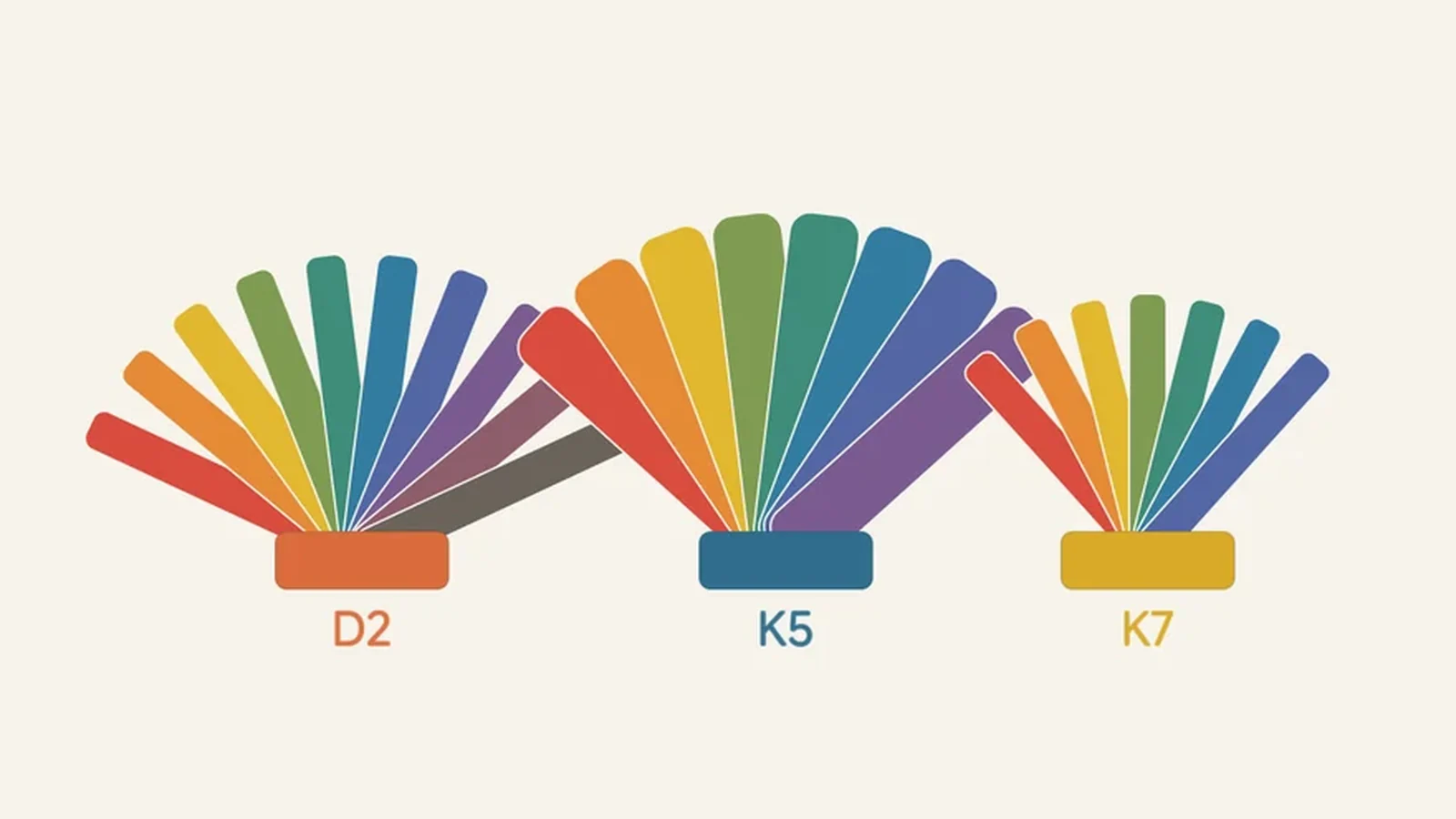 Compare · Paint & colourRAL D2, K5 or K7: how to choose the right colour fanFirst look at the code in your project. A four-digit RAL CLASSIC code (such as RAL 7016)? Choose the K5 for large colour areas or the K7 for compact lookups. A seven-digit DESIGN SYSTEM plus code? Then you need the D2. More colours do not make the D2 better, only different.RAL D2 · RAL K5 semi-matt · RAL K5 gloss · RAL K7
 Buying returned · ToysReturned LEGO: how to assess a box with a dentReturned LEGO is a new set in a box that has been through something: a dent, a knock in transit or a return. So don't look at the cardboard, look at the bags. If the numbered bags are still sealed, the set is complete and unplayed. A pristine box doesn't make the set better, only neater.
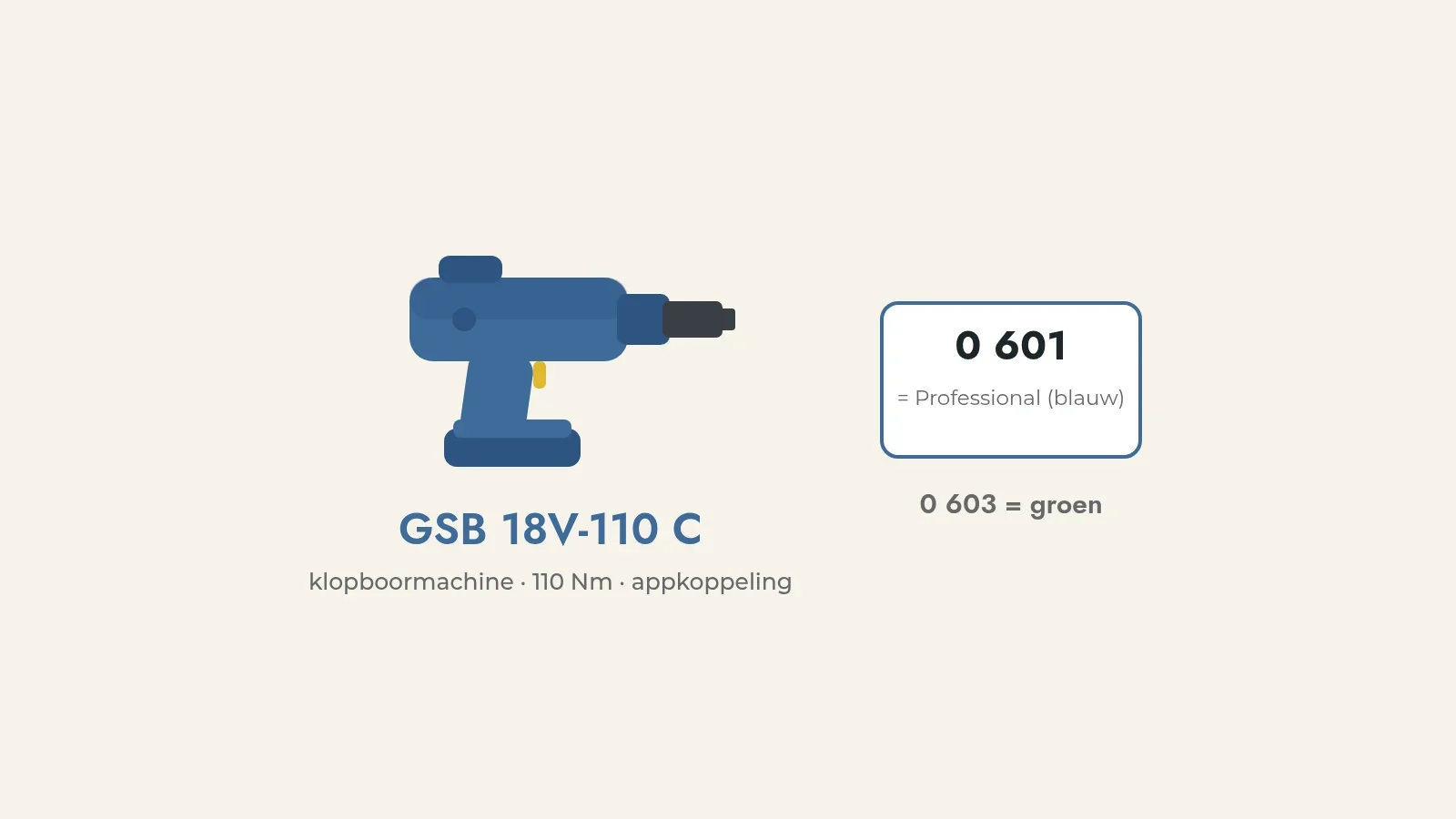 Buying returned · ToolsReading Bosch model numbers: what GSR, GSB and GBH tell youA Bosch Professional name such as GSB 18V-110 C breaks down into four parts: the letters say what kind of machine it is (GSB is a combi drill), 18V the battery platform, the number an indicator of power and the letters at the end the extras (EC is a brushless motor). Only compare the number between machines with the same letters.